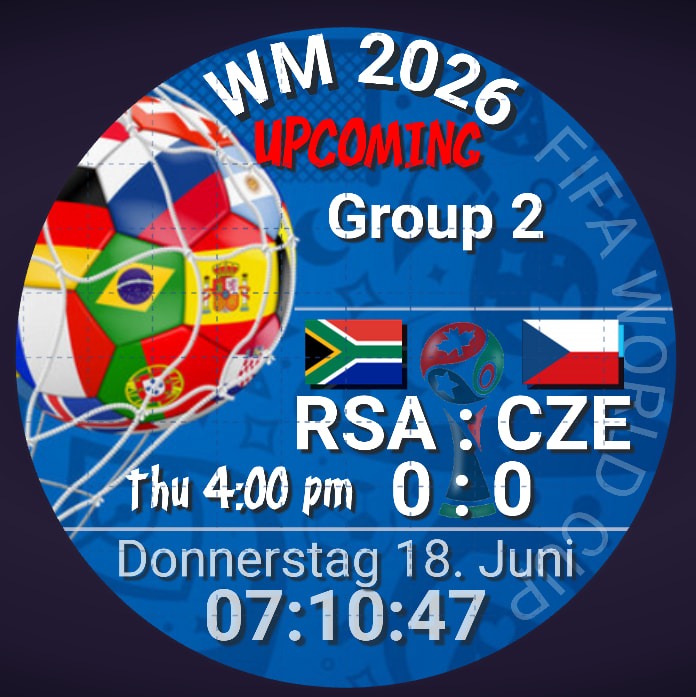
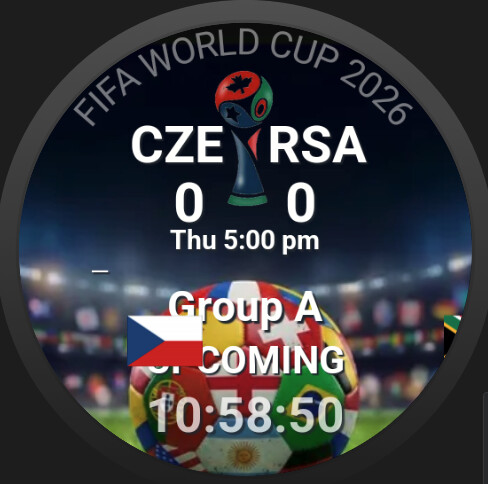
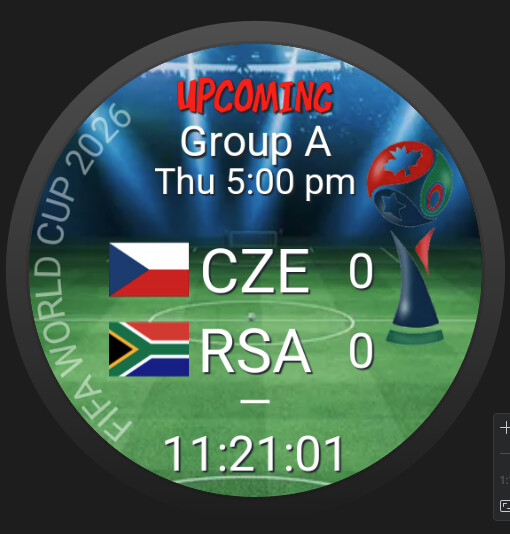
- logos are not all same size, that makes positioning very hard
- if you send face to watch mostly the message: “failed to send” appears
- “Uploading” to watch is 10 times slower with sport tags
- and if you have luck and it could be sent to watch the sport tags show absolutely nothing
=>
on watch you also can’t see anything during a live game
btw: the image upload here in that post doesn’t work on mobile phone. the image icon where you can choose images from phone doesn’t work anymore.
Thanks for the reports
I tested with a match last night and saw every goal with less than 30 second delay.
Can you share the watch with me. It is possible if you use too many image layers that it willl slow down the transfer to watch.
Alex
i already wrote you in chat yesterday afternoon that i finished a face for your test, but you never answer there ;o((
here some faces =>
one is with switching between live mode (sport) and not live mode (normal face infos)
Thanks Andrew. I loaded the watch faces and they look great.
One thing I noticed is that they’re all over 7MB, mainly because each contains a 1000×1000 GIF that’s about 5.9MB on its own. I’d recommend shrinking or optimizing that GIF first, as it makes up most of the watch face size.
Smaller watch faces should transfer to the watch much faster and may also help with the issues you’re seeing when testing the sport tags. I’ll continue investigating the flag sizes, but reducing the GIF size is definitely going to fix 99% of the issues you are seeing.
Alex
i think the main problem is that i don’t see any sport tag on the watch although i have no animated gif inside.
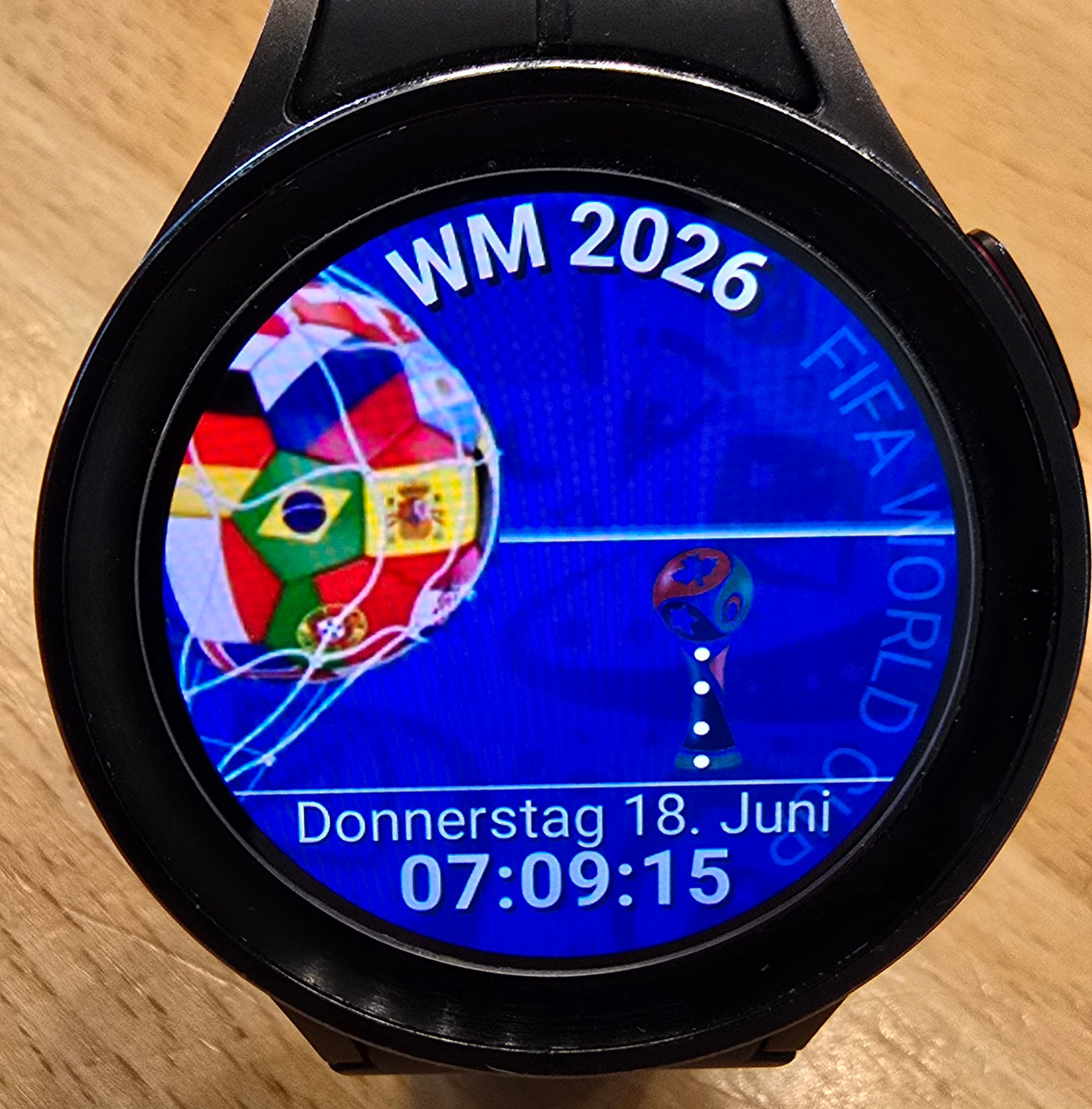
results on watch =>
that is the main problem and has nothing to do with large gif
did you choose a match from studio match picker or published face watch picker
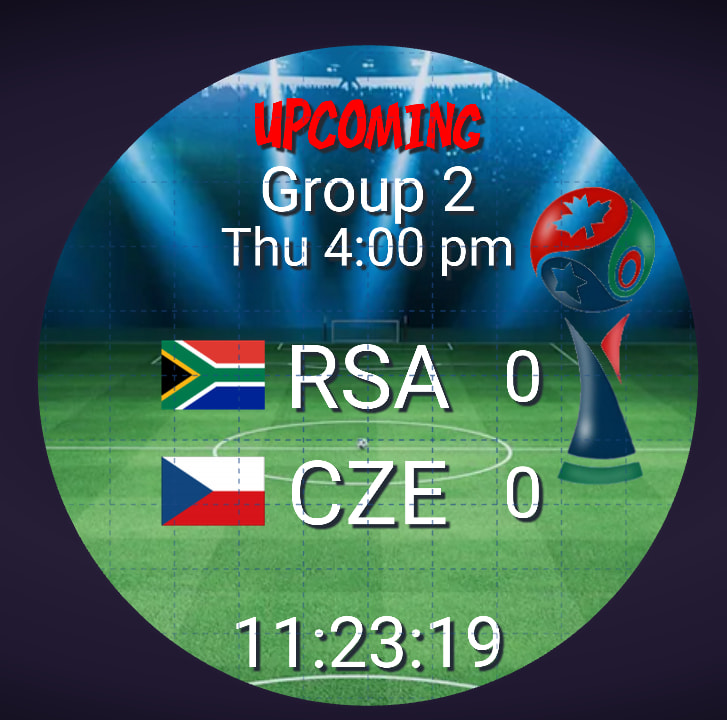
which tags are not showing for you → it looks good in first image (RSA 0 CZE 0)
i have changed gif displays to be more optimized now - next time you load your watch your gif will be optimized
on mobile phone i load the face, choose a match, press the preview button => sync starts on watch => no sport tag visible
check you have latest version on watch
also there are no matches right now - next world cup match starts in 7 hours
the version on watch is version 10.2.4
i haven’t implemented a check for “LIVE” in opacity … so it should nevertheless show me the tags or not?
you have right version on watch
i see this right now - looks good except for flag position bug which i am investigating
have you tried to install on watch? i can’t see the tags on watch. why???
i don’t want to publish the faces before i’m not sure that it works … otherwise this will end in a disaster
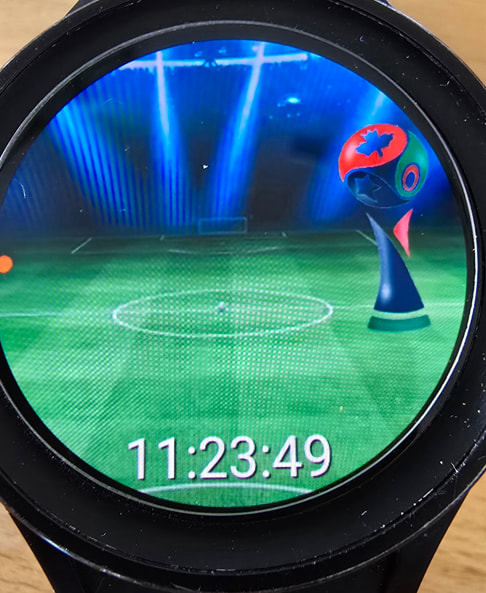
this was on my watch
i am using watch simulator but i see same on actual watch
its just easier to screenshot
what do you see on watch? if you see blank or if you see - (hyphen character) it would mean two different things
no idea why it doesn’t work on my watch !!!???
what do you see on watch? if you see blank or if you see - (hyphen character) it would mean two different things
see above photo of watch i already sent … i only see the background and no sport tags
=>
i dont have that watchface - its not one of the 3 you sent - could you send link please
this is what i see - i will try and figure out
are you absolutely sure your watch version is 10.2.4 and not just phone version 10.2.4
they both need to be 10.2.4