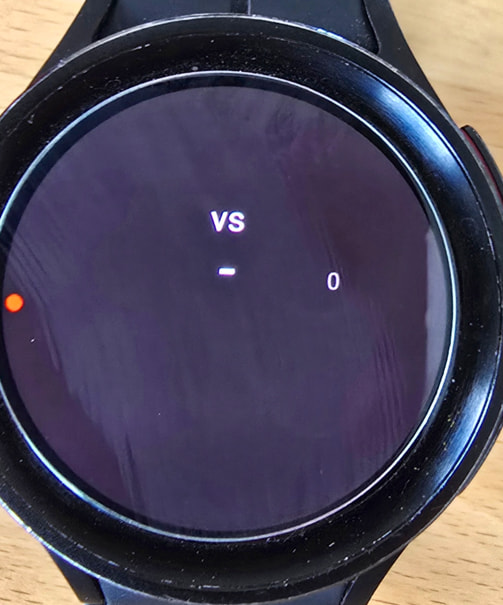
• Did you actually select a team for the face? When you open the watch face on your phone, you’ll see today’s matches listed under the preview. The tags only populate after you’ve chosen a team there, so they’ll stay blank until then. Easy one to miss.
• Is the match you selected happening today? Sports data is only provided for matches taking place on the current day. If you selected a match from yesterday, you’ll need to choose one of today’s matches instead.
• Did you select the team after sending the face to your watch? If so, try sending the face to your watch again now that the team has been selected. Some versions only start listening for sports data when the face is first transferred to the watch.
so we have a problem between phone and watch ? for me and my friend it isn’t working … so maybe for others also not ?
info: in the sharing screen now for scrolling templates is not working again and embed copied code also no more working. (see that picture here in that posting, it should be shown with a template)
I see everything except the flags. Have you tried syncing another sport watch from Alex or mine to see if they show like in studio. Is it all sport watches or just your one affected. My watch is open to inspect below
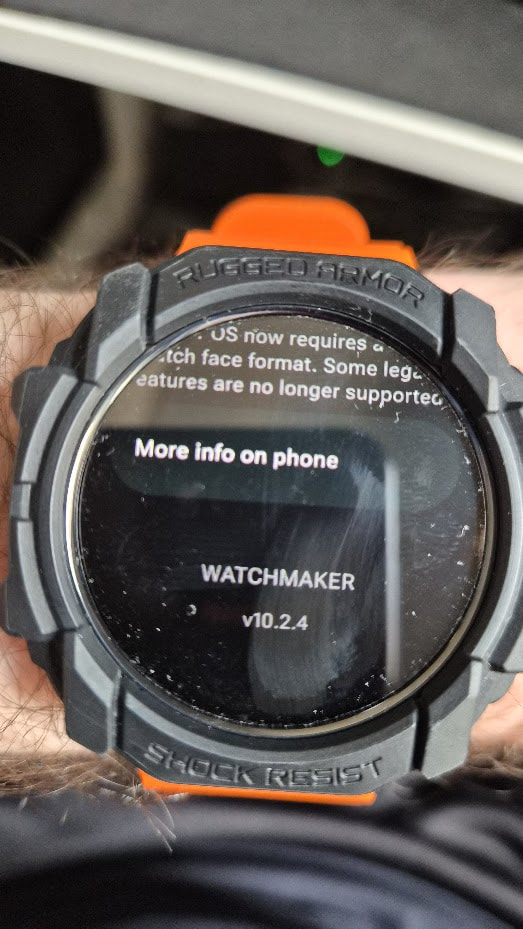
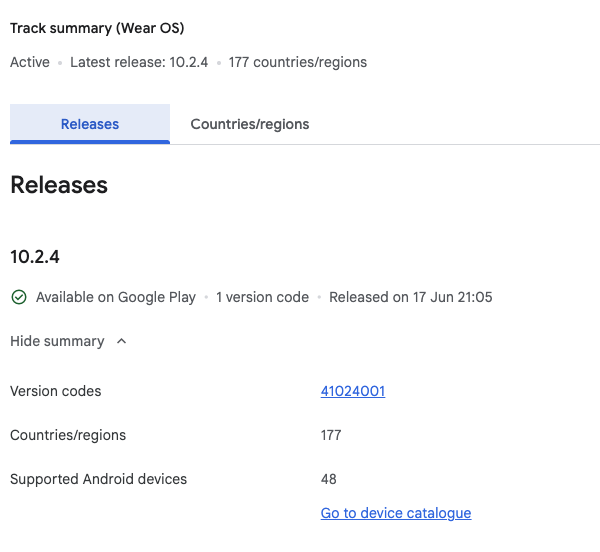
the most likely explanation will be the watch being an old version as the new version would show - instead of blank space
maybe try uninstall / reinstall watch app
Open up your watch for customize, and I can have a look.
If you have Folders… check the Opacity on Folders is correct e.g. 100
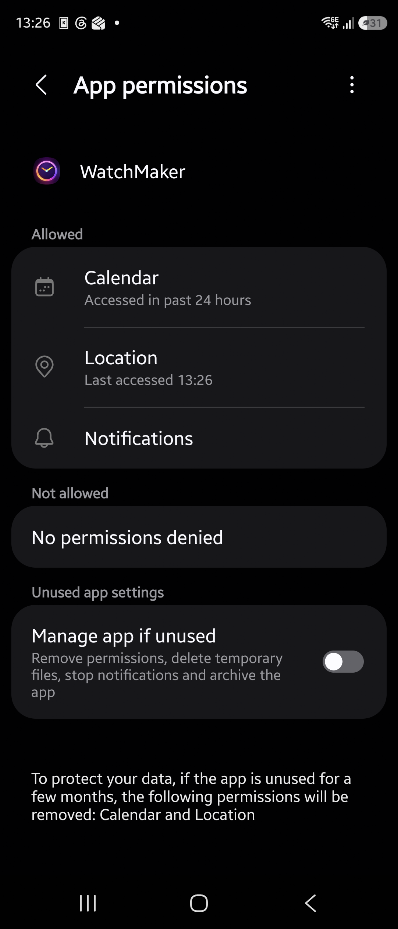
Check permission on Watchmaker App in phone are all allowed