Heart rate chart doesn’t work for me either.
I have even tried to uninstall watchmaker and install it again. From both phone and watch
I changed language on my phone from Norwegian to English (UK)
Weather dashboard started to work.
This something you need to look into?
It should work in any language
That fixed another bug.
Tap action text to speak.
Did not work before in Norwegian but English (UK) is working.
So maybe some of the bugs is language dependent.
@AlexCurran any further idea what we should try? i have some more faces with charts, but can’t publish them without being sure that they are working fine. an answer would be very useful, please.
Info:
Since today morning heartrate chart works.
Weather still not
Heart rate charts works for me now.
I uninstalled MI fitness app and installed it again start working.
Think it was some issues with connecting to Google Health connect.
I’m using a Xiaomi watch 5.
Running wear is 6
Most likely cause: WhatchMaker pulls data from other apps. Health data comes from google fit, weather from AccuWeather app. Install those apps, open them and do the first time setup - disable all notifications if you don’t want them to bother you. This is all on the phone side, in some cases the watch app needs set upt too, open it. Then watchmaker should start getting the data and display it.
I’m on Samsung Galaxy Watch 5 Pro with OneUI8 - many things are broken (no skripts, no tapdetection etc) but at least I got weather and health data showing.
Good luck!
Hi @fred74 Have you got your GPS opn on your watch . You need to go outside if that is the case . The weather does not update by the minute . I sat indoors with no result . Went outdside and got a result .
GPS is on. That’s not the problem. I have the same issue like the guy above. I get the message “no weather data yet. Open Watchmaker on your phone” But why? What should I do when I open the APP on the phone. In the past with the old Designer Studio everything works fine. I also have a lot of graphical issues with the new studio.
There is a bug (and its been reported to Alex) that occasionally the Watchmaker app on the phone believes the watch has disconnected, even when it is not. Briefly running the Watchmaker app on the phone seems to convince the Watchmaker app that the watch has been reconnected. Weather data that the watch gets from the phone is the most obvious when this happens.
if you want to have the weather data on your watch, you must turn your phone langage to English, try it, it worked for me.
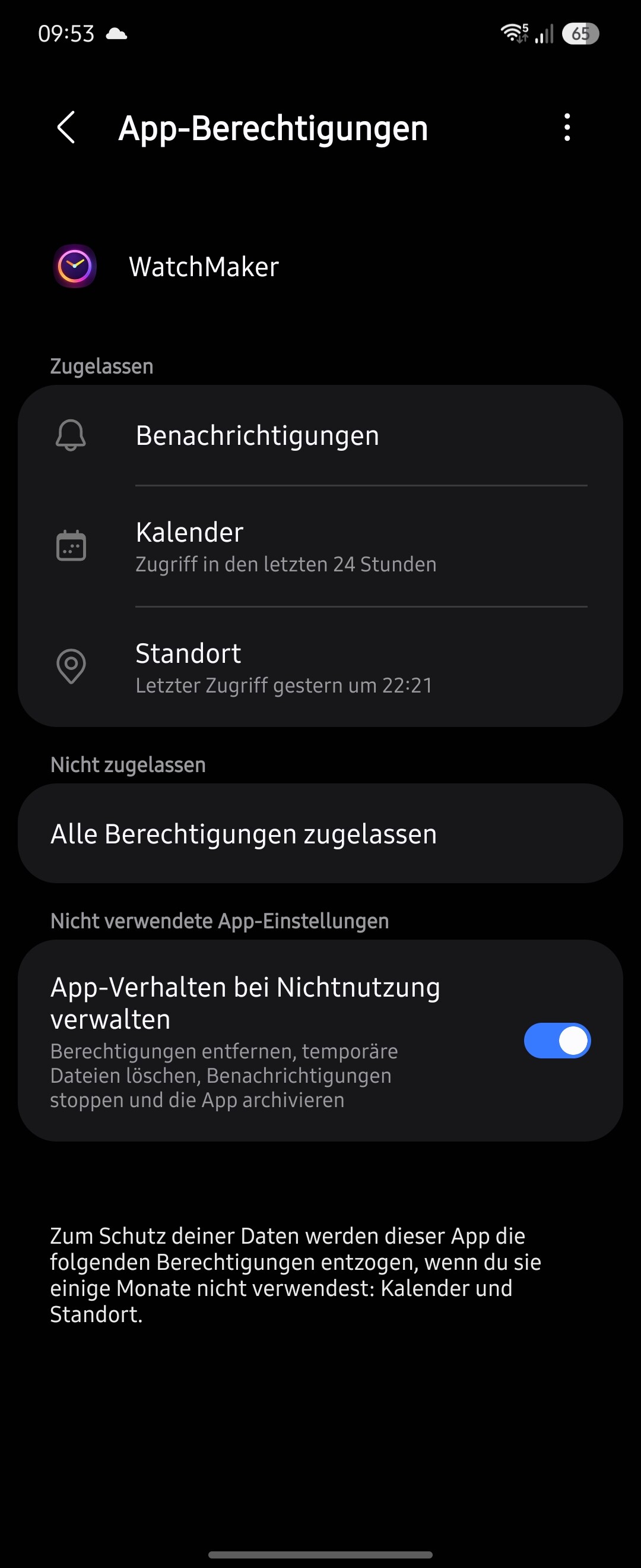
you must also run watchmaker once on the phone
A really bad solution to switch language to fix that problem.
The problem here is that you can report a bug and if you have luck you will get an answer… i asked several times why weather data haven’t been loaded or why charts are not working anymore. Still waiting for answer or bugfixes makes me tired on designing new faces… All who installed e.g. faces with charts will be very happy to see them not working anymore ;o((
This is one of the reasons I stick with WFS, I don’t have to be dependent on the functionality of someone else’s stuff. WFS is universal, build in one place, and distribute everywhere. The other option is to stick with pure WFF compliance, and not cheat the system with tricky work arounds.