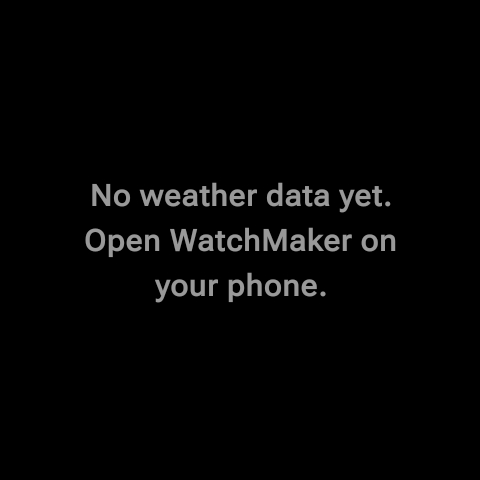
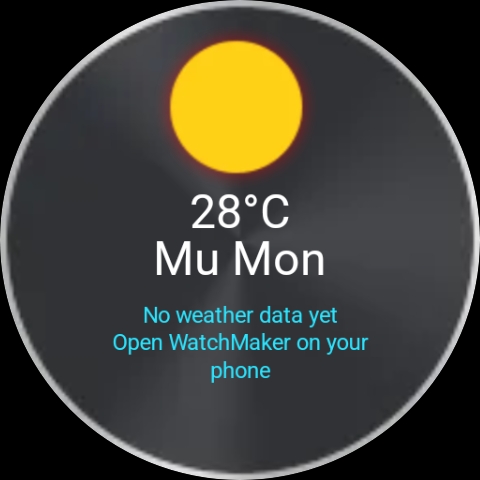
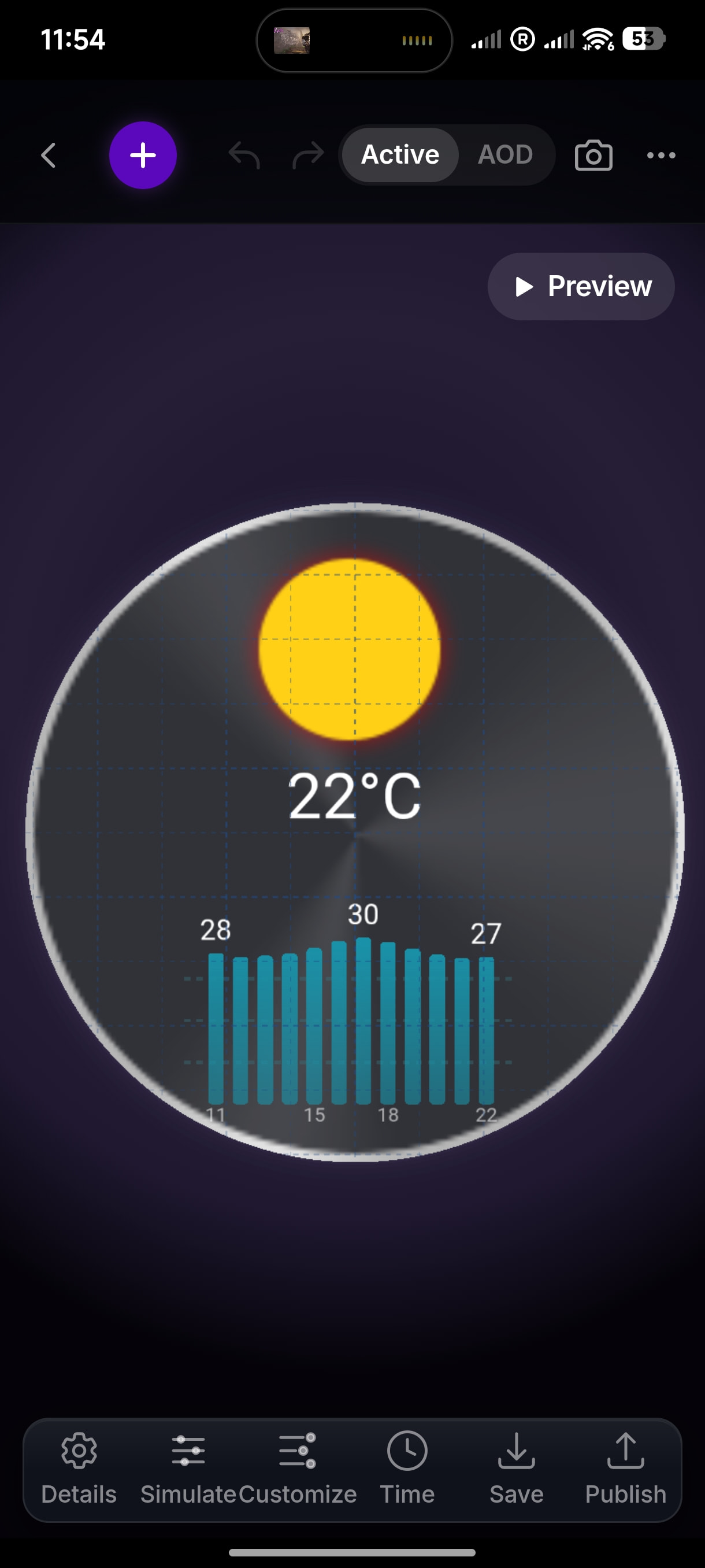
On the watch app I open Weather dashboard.
“No weather data yet.
Open watchmaker on your phone”
I do that but still the same message.
I open healt dashbord everything is working normaly.
But it looks like health dashboard showing more steps than the watch face does.
Watch fase = 344 steps.
Health dashboard = 641 steps.
I have tested the weather dashboard on my watch and it is working for me.
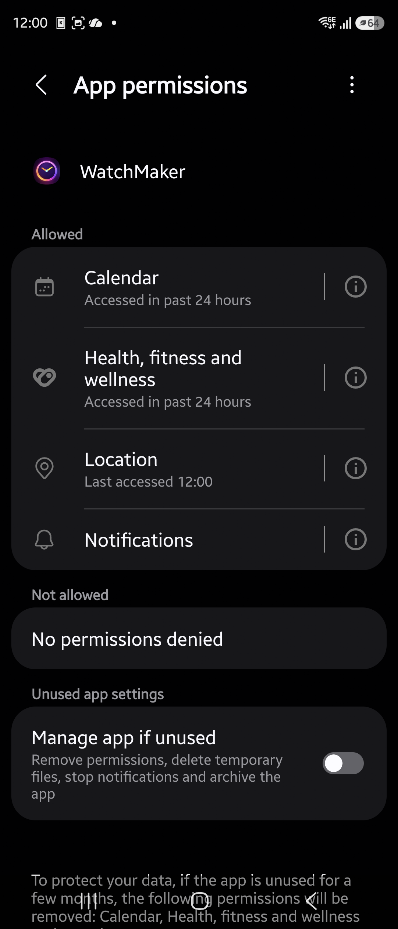
Can you check the Watch Maker App permissions on your mobile.
Open App info > Tap and hold the Watchmaker icon on phone, then click the “i”, that should open the Android App info
Then select “Permissions” and check you have allowed whats needed.
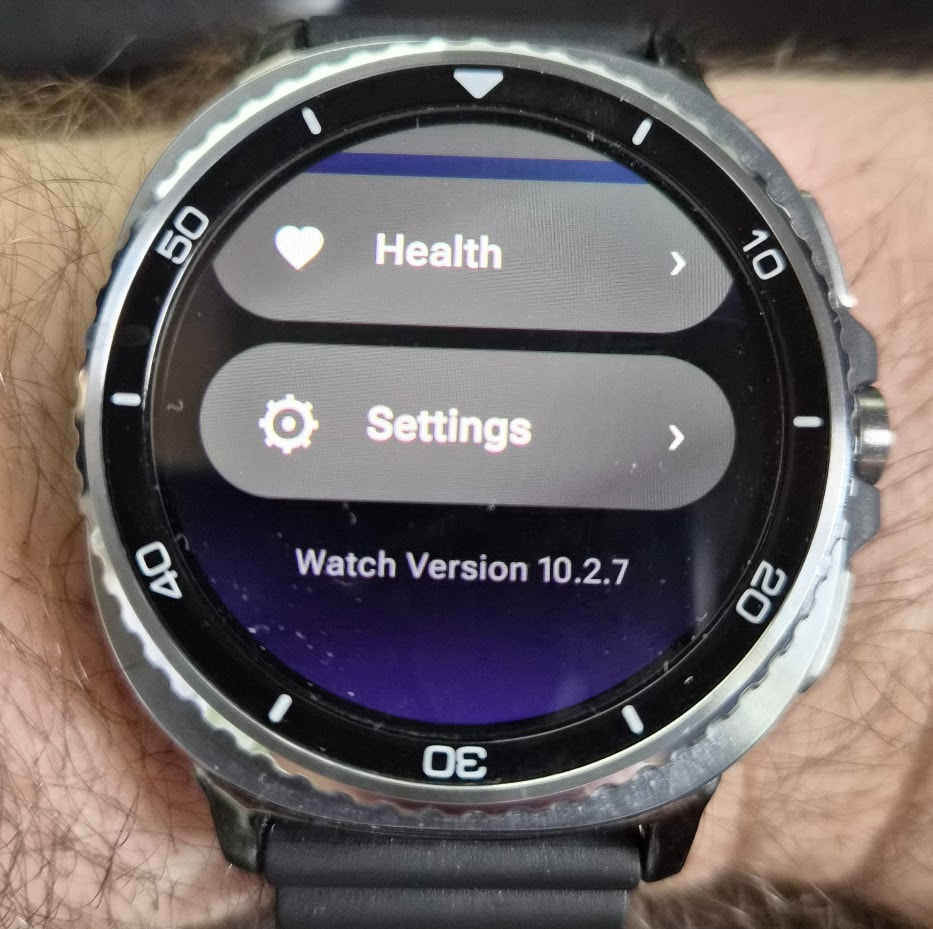
On Watch, Swipe UP from bottom to open apps > open watchmaker app.
Then scroll down and you will see Weather, Health, Settings.. check those are working ok for you (requires 10.2.7 on both phone and watch).
A bit drastic, but if you uninstall Watchmaker on Watch and Phone and reinstall, then at least you should be prompted to set all the permissions again. I did not have to do this though. Otherwise you will have to await response from Watchmaker team probably.
My idea: It would be very helpful before releasing new features that a small group of users would do an internal test before. So lot of discussions won’t be necessary here. Lot of bugs can be fixed some stages before new release has been published. We also have internal and external test staging in our deployment process.
you need to trigger the location permission on your phone for this to work (it is sent from phone to watch)
find any watchface with weather and send to watch to trigger the location permission
alternatively open weather dashboard on watch to see if it will trigger location permission on phone
I have tried that too. Still no data in weather dashboard
I even made a new text layer with the weather location. So it have to trigger location on the phone. Weather location still don’t show in the app, but shows on the watch.
But still no data in weather dashboard.
I’m using a Xiaomi 14T pro
And a Xiaomi watch 5
Wear os 6.
One more thing in your watch it’s showing a Xiaomi Redmi watch 5,
(Not a wear os watch)
not a Xiaomi watch 5.
This has nothing to do with the problem. But I wanted to mention it.
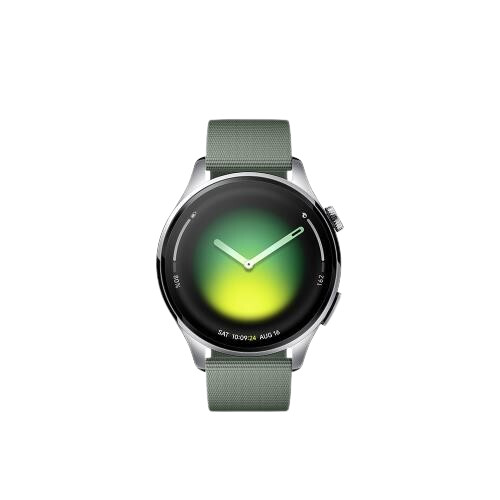
If you look at my profile image that’s a Xiaomi watch 5.
triggering location permission … i really don’t understand that hack. why should another face trigger it? heartrate chart is also not working and has nothing to do with location. or am i wrong?