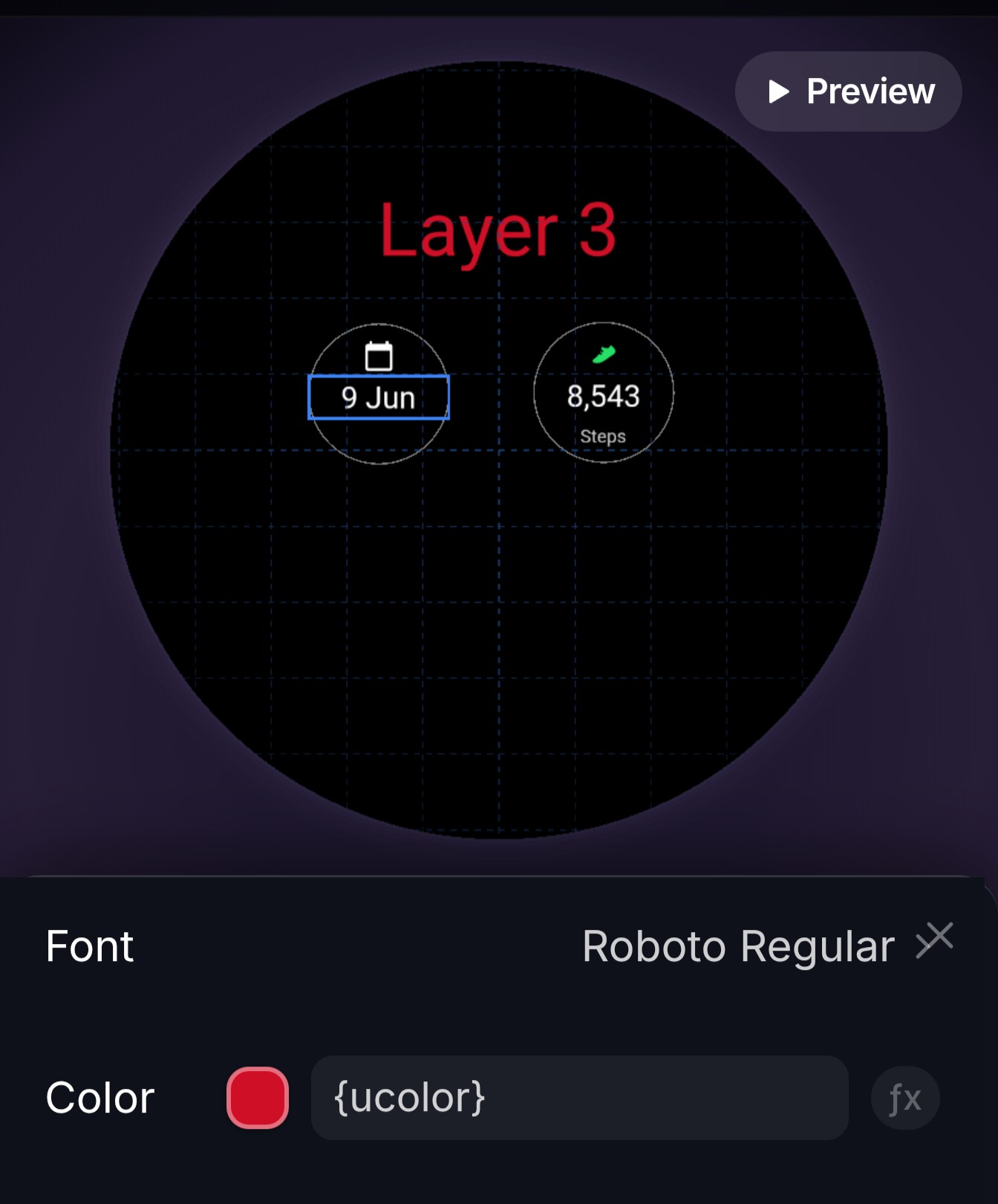
Also, the icon in the steps complication doesn’t seem to work with any color, it just becomes a tint of green.
Which element are you having issues with. Can you provide a screen shot or create a simple watch face that reproduces the issue? Also take a screenshot of the attribute values you have applied

Great, thanks for the help!
i’ll get the ucolor fixed for complications - thanks for report
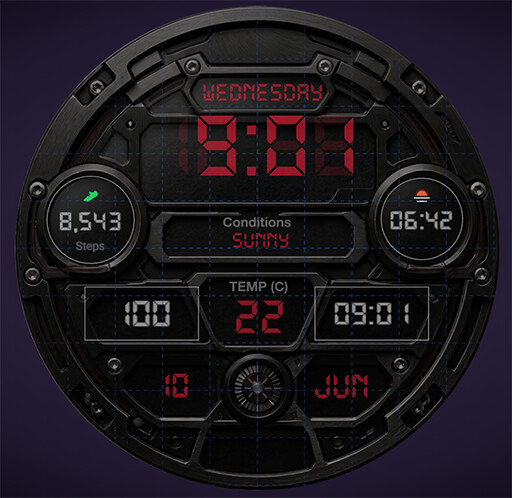
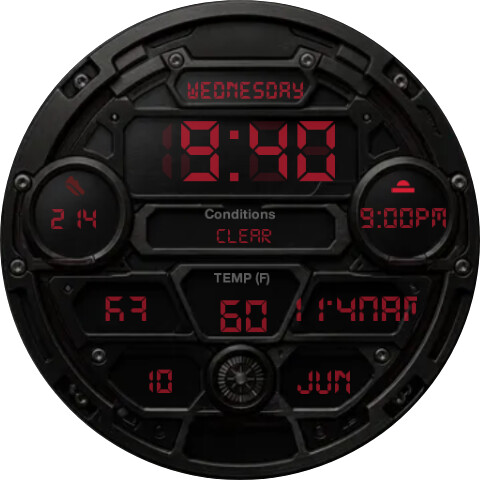
I have noticed some other quirks with the complications. One issue is the content sizing. One the first screenshot (Watchmaker Studio) you can see the circle that sets the bounds for sunset/sunrise, but on the second screenshot from the watch, it starts to bleed outside the bounds.
On the two rectangular complications, even though the bounds are large, they are cut off on the watch.
The second issue could be font-related. I have noticed that some fonts (in this case Auto_Digital), on the watch will appear lower than in Studio. The most obvious example is the time in the screenshots below. Is this a problem with the font itself, or a rendering issue?
Another issue is inconsistency with colors on the icons on complications. Sometimes the color is treated as a tint (the steps icon below), sometimes a full color (the sunrise/sunset icon).
should be fixed in studio now
always worked on watch