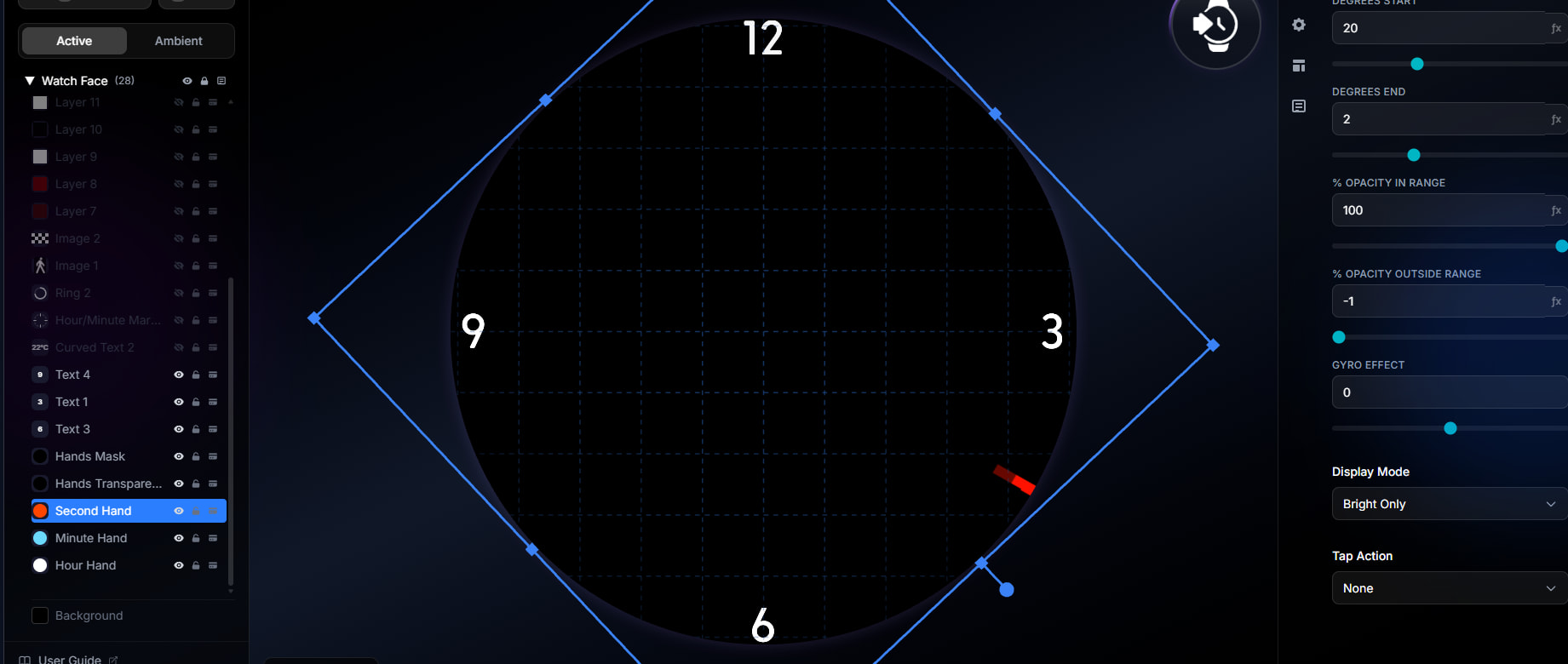
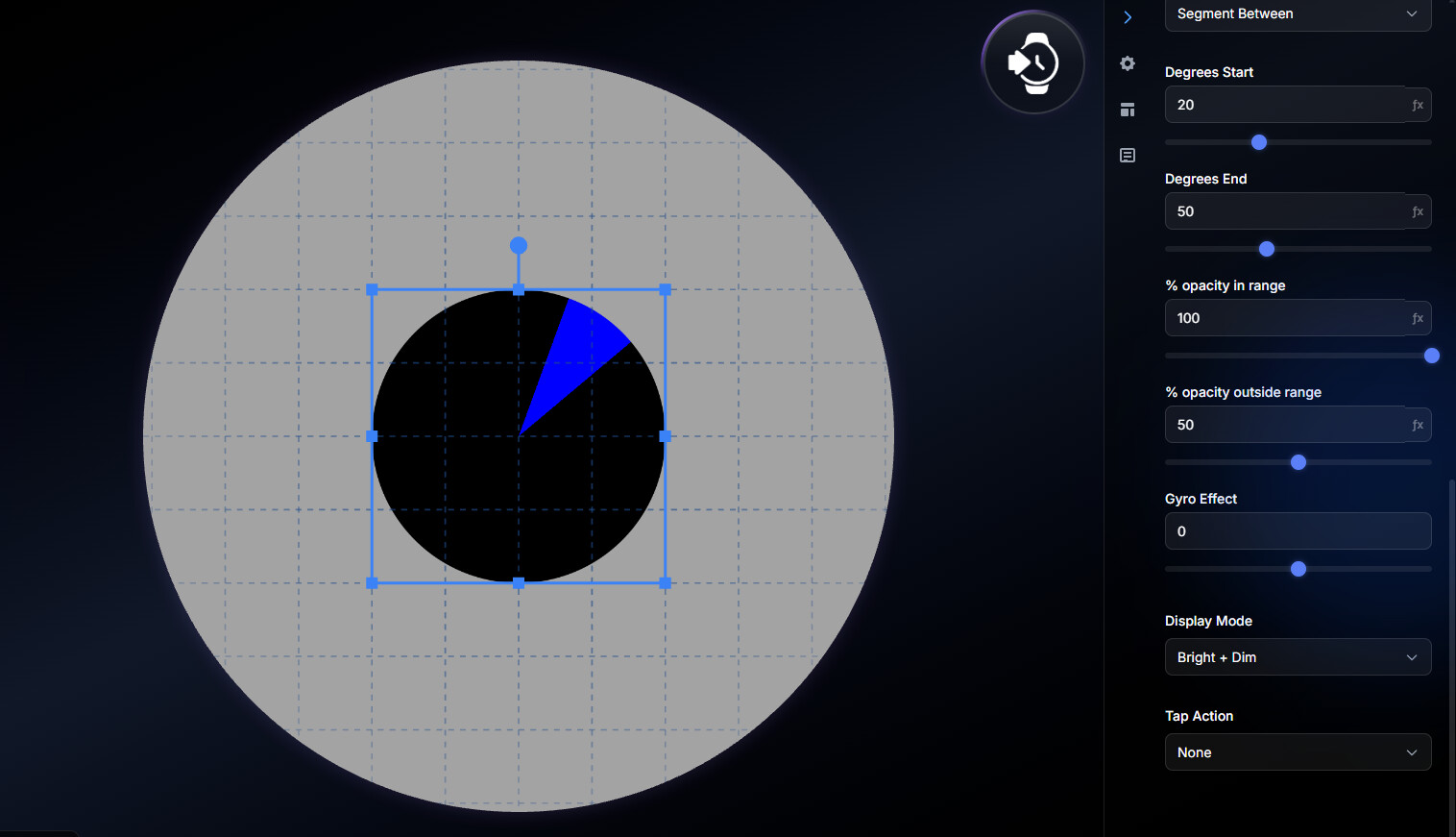
In Studio, the Outside Opacity is not working. If I set it below 0 to make it invisible, the outside turns black instead of transparent. Also, if I set it to 0, it jumps to 50, and the bottom layer never shows up.
Additionally, I noticed that the border on the Ring Shape is no longer working; it stays on ‘rounded’ and won’t change to ‘squared’ when applied to the Watch.
Thanks we will look into this - please can you confirm which layer types you are referring to?
Shape Type, in my screenshot is a Circle with Segment Shader.
Only Show de Hour Hand Layer (The top one), the other Layer Below this are the same properties, but for minute and second.
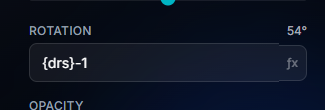
Also, I can’t apply more a math offset to rotation
This doesn’t work more, like in the app
Here’s a better image of the problem; the black part of the circle should be transparent.