{pbc} == ‘Charging’ and 100 or 0
In opacity
Doesn’t work
{pbc} == ‘Charging’ and 100 or 0
In opacity
Doesn’t work
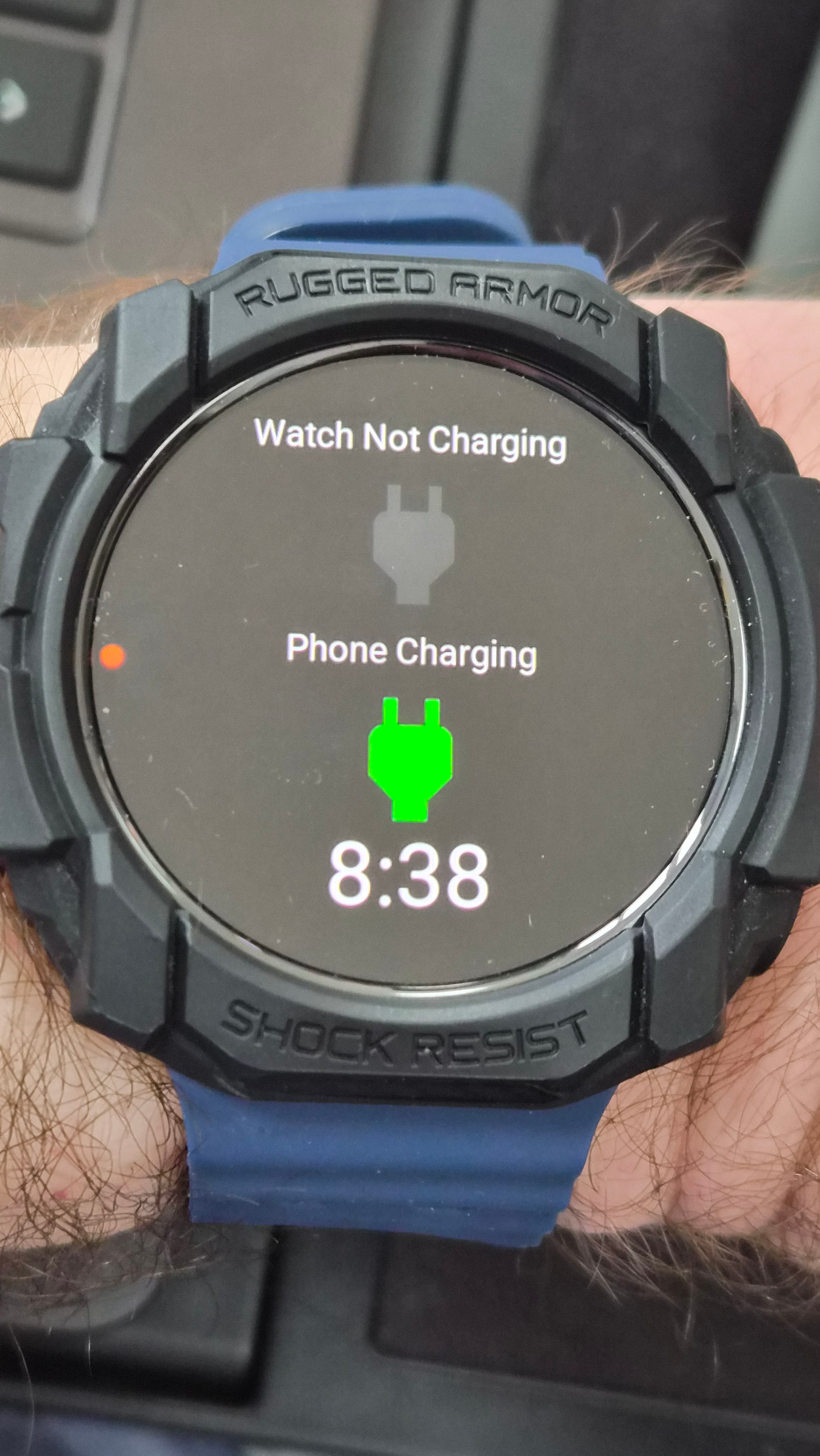
Its an immediate update if watchmaker app on phone is actively open. Edit… it is working consistently now.. if i connect and disconnect it is immediately updating on phone even when the app has been closed on phone
2nd Edit… i take it back… its not updating the watch status always.. i reconnected phone to charing a minute later and the watch did not update to show charging. As soon as I open the watchmaker app on phone, it refreshes the watch immediately though.
3rd Edit… the watch is refreshed after 5 minutes automatically with the Phone status when the WM app is closed. This is likely a battery saving optimisation.
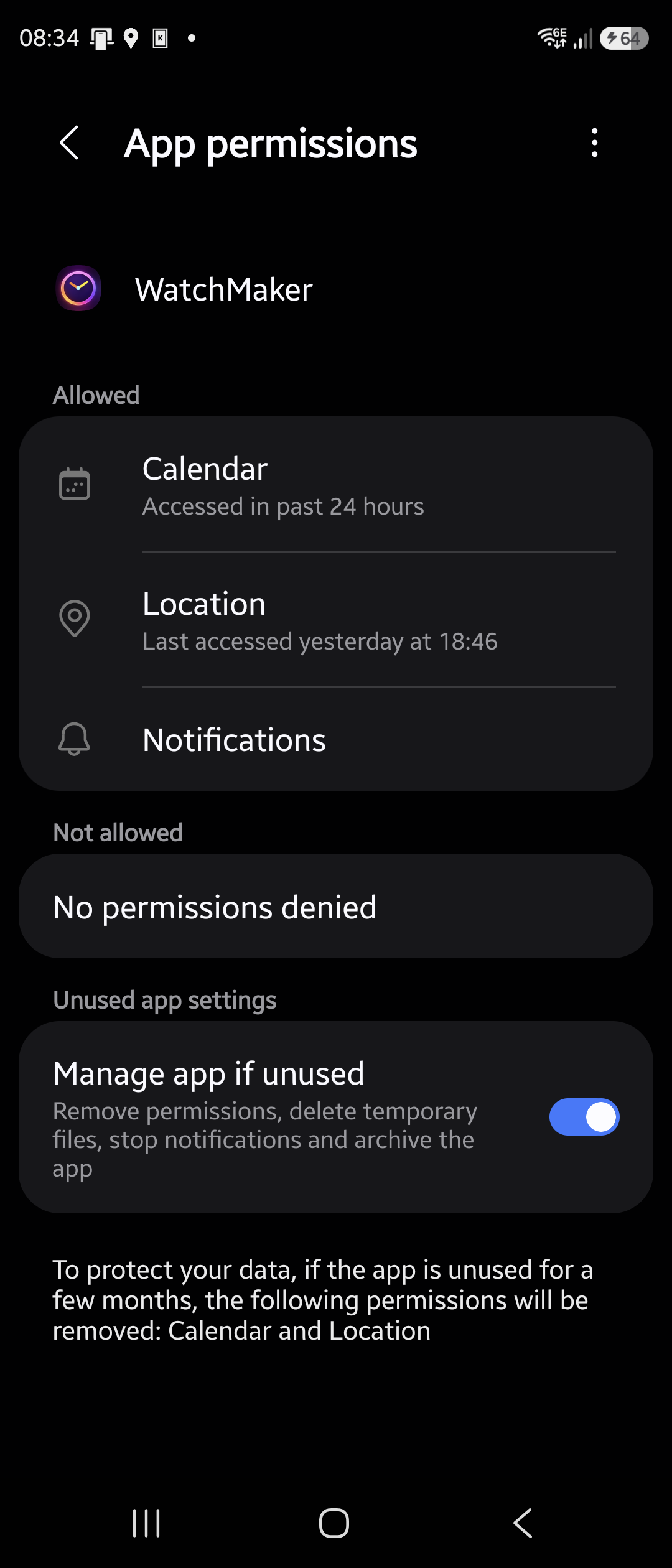
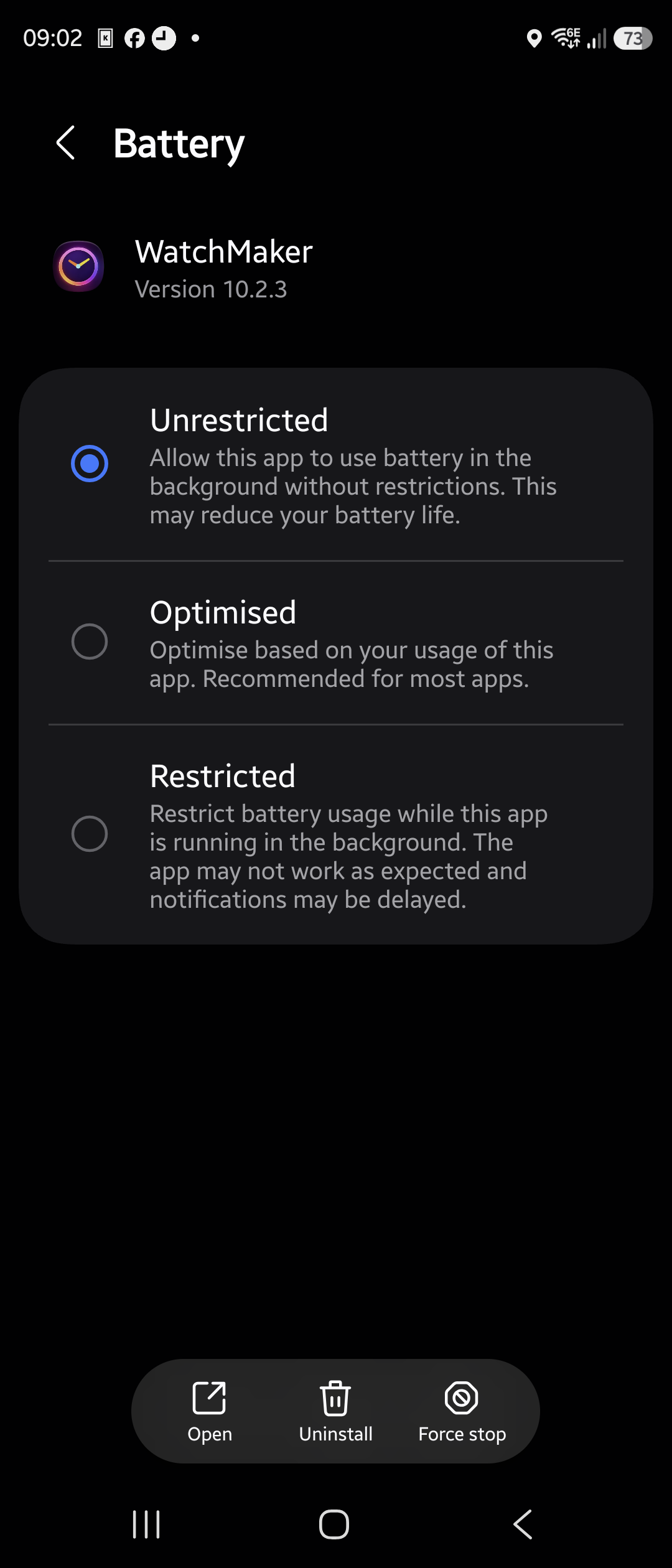
Final edit!! If you set the Watchmaker app Battery optimisation to Unrestricted, then it works always… but i doubt users will do this on their phone. It is updating periodically, and instantly when app is open, so I think its okay, given Googles desire to optimise battery usage to a minimum
I made a text layer with {pbc} that updated immediately.
But the opacity don’t change on an image layer.
This is working for me on icon and image layer opacity
{pbc} == “Charging” and 100 or 0
I tried both still not working.
Have the latest version on my phone and watch
Even tried to uninstall and install it on phone and watch.
Still not working.
Confused. 
If you have set up watch permission, and phone is not in power saving mode etc… then i am not sure. Have to wait for WM support to advise. What model watch do you have?
I have a Xiaomi watch 5
Wear os 6
It’s working for me too now. Have not made any changes