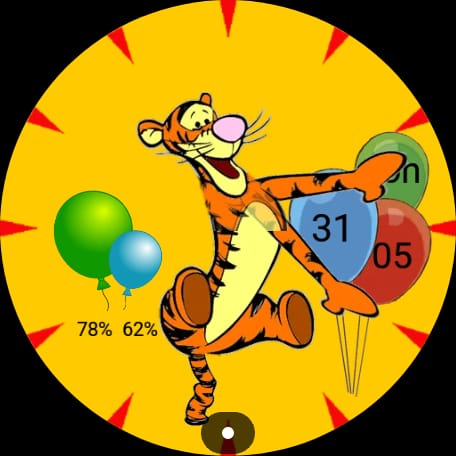
We’ve added a new set of live-data tags for Wear OS watch faces. You can now access calendar events, phone battery status, sunrise and sunset times, and multiple world clocks directly from expressions and text fields, just like any other WatchMaker tag.
Calendar
For calendar, you get the next three events with title and start time, e..g {c1t}
Phone battery
Phone battery tags provide live battery level, percentage and charging status, e.g. {pbl}
Sunrise/Sunset
Get sunrise and sunset times using {wsr} and {wss}
World Clock
We’ve also added three world clock slots with time, labels, hours, and minutes, making it easy to create multi-timezone layouts, e.g. {tz1l}
All tags update automatically using complications behind the scenes - you will need the latest version of WatchMaker on phone and watch - 10.2.1 or above.
Full set of new tags and their complications below:
| # | Provider | Tags |
|---|---|---|
| 1 | CalendarEvent1Provider | {c1t}, {c1b}, {c1br}, {c1bp}, {c1ex}, {cex} |
| 2 | CalendarEvent1DatesProvider | {c1bd}, {c1ed}, {c1er}, {c1ep} |
| 3 | CalendarEvent1StringsProvider | {c1e}, {c1l} |
| 4 | CalendarEvent2Provider | {c2t}, {c2b}, {c2br}, {c2bp}, {c2ex} |
| 5 | CalendarEvent2DatesProvider | {c2bd}, {c2ed}, {c2er}, {c2ep} |
| 6 | CalendarEvent3Provider | {c3t}, {c3b}, {c3br}, {c3bp}, {c3ex} |
| 7 | CalendarEvent3DatesProvider | {c3bd}, {c3ed}, {c3er}, {c3ep} |
| 8 | SunProvider (label: “Sunrise / Sunset”) | {wsr}, {wss} |
| 9 | WeatherLocationProvider | {wl} |
| 10 | PhoneBatteryProvider | {pbl}, {pblp}, {pbr}, {pbc} |
| 11 | TimeZone1Provider | {tz1l}, {tz1t}, {tz1rh}, {tz1rh24}, {tz1rm} |
| 12 | TimeZone2Provider | same with tz2 prefix |
| 13 | TimeZone3Provider | same with tz3 prefix |