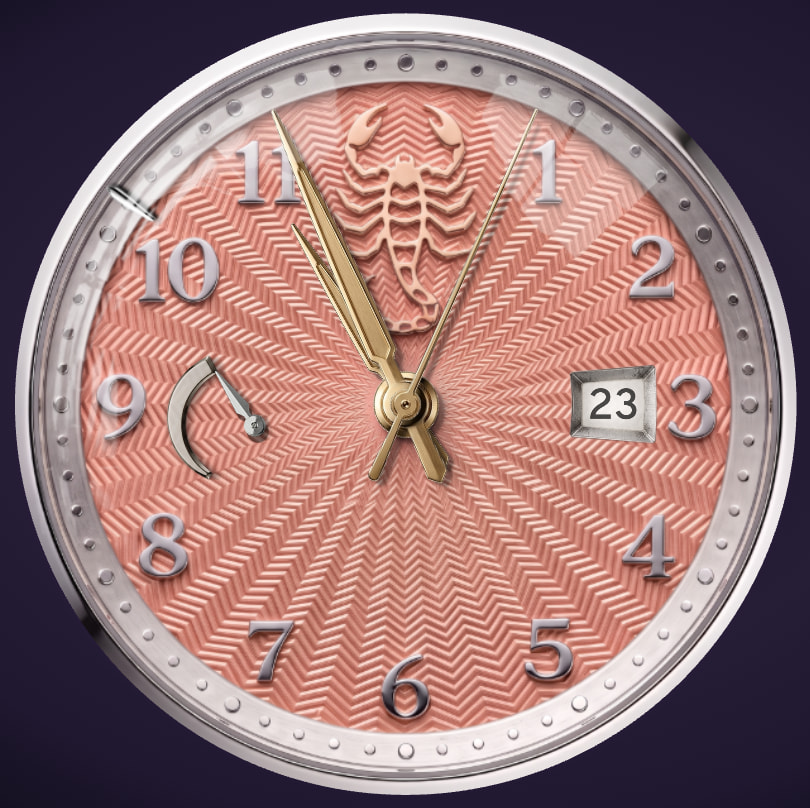
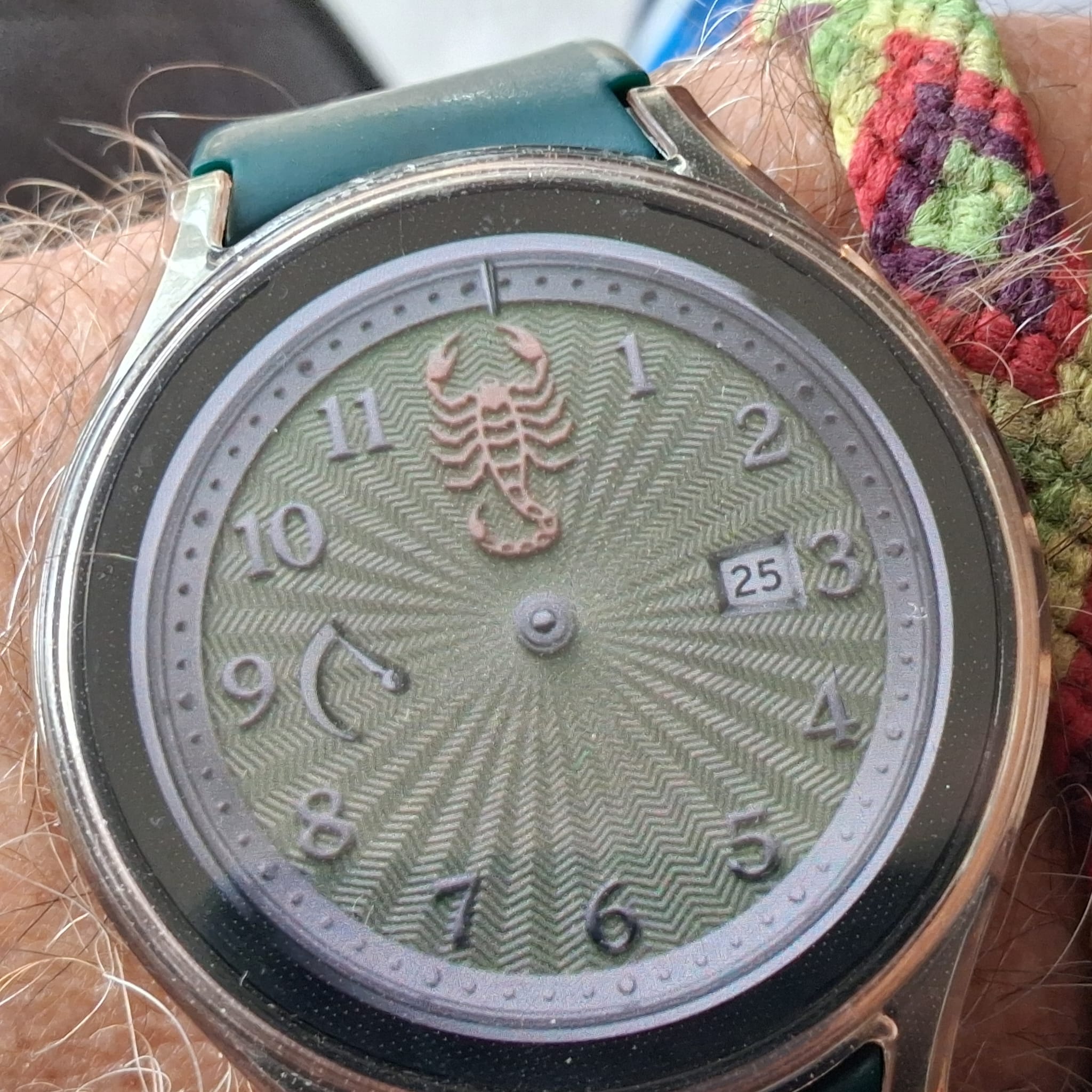
Heart rate 70:
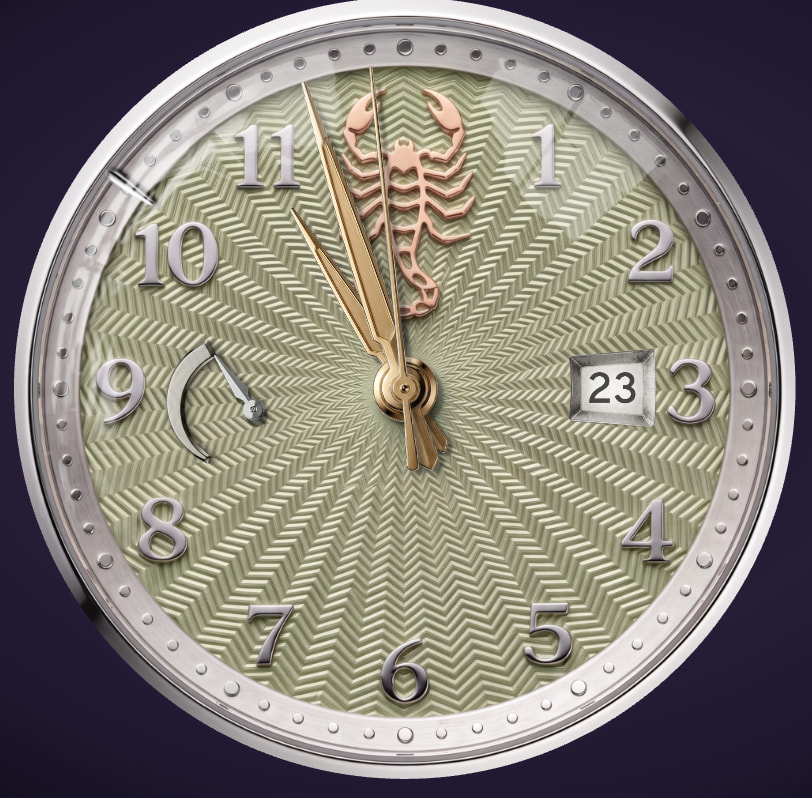
Heart rate 115:
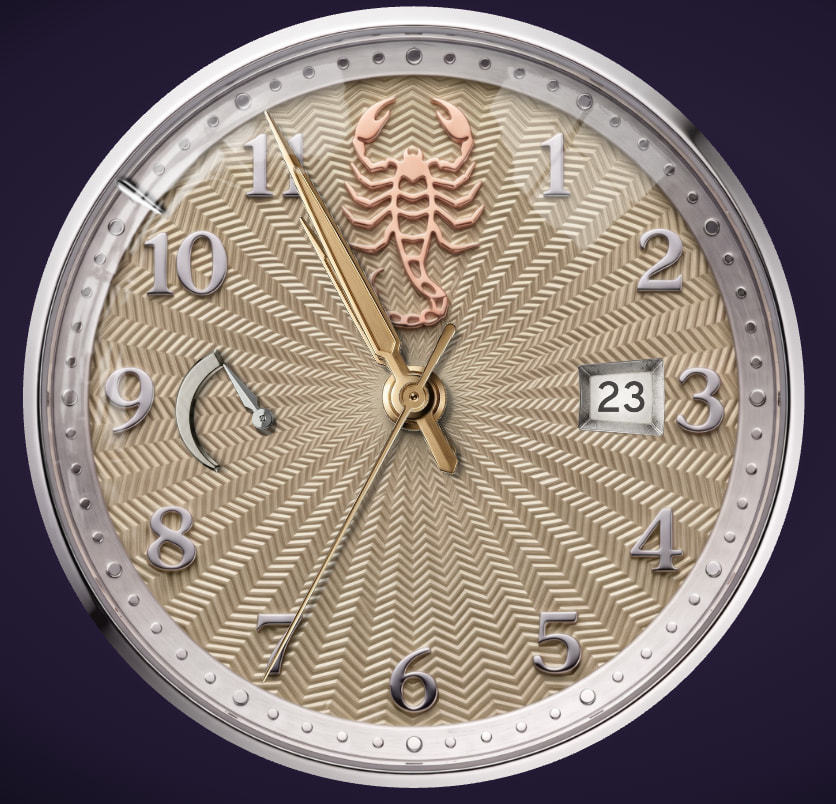
Heart rate 170:
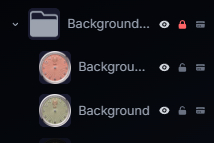
Very nice @M8urnett . Would you share how you achieved the colour change
I was wondering about that and if Studio can handle Hexadecimal or are you morphing images . Nice look .
I am trying to sync your face with no Luck .
Got it from Laptop . Sadly no Hands . I did not comment on the publication for that reason .
.
Thank you for Sharing that . Intresting that the halfway colour for geeen and red is a Bit Yucky but perfect for a Guilloche lovely Russian Golds transision ( threee coloured gold rings entwined ) . I like it when things can be simple . Usualy means it is foing to work . If you send it out with all the Bits . 

May I please ask for a little pointer to your Style options . I am intrested but not done lot of investigation Yet . I guess you dont mind me asking since you were happy to share your Fading Trick . Thanks in advance .
This is something I am working on it is not prefect because I asked for help from Gemini .
I changed it so it cycles through an orange layer first and took a different approach on how it fades in.
Also new:
I also marked it as remixable!
Oh Cool . Late now for us I will check that out tomorrow . Thank You .