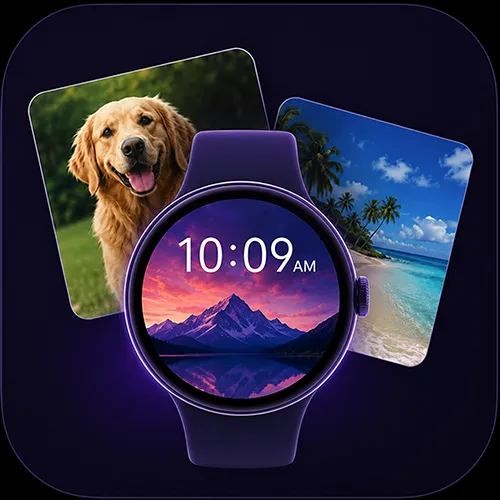
Photo Slots are now available in WatchMaker Studio, making it easy to create watch faces that users can personalize with their own photos. Simply add a Photo Slot layer, choose a placeholder image, and position it anywhere on your watch face design.
When the watch face is installed, users can add photos from their phone directly through the native Wear OS customization experience. Family photos, pets, travel memories, textures, or backgrounds can all be used without any extra setup from the designer.
You can also choose how multiple photos are displayed. Set the Photo Slot to advance on tap, allowing users to cycle through their photos manually, or switch automatically each time the watch wakes. It’s a simple but powerful way to make watch faces feel more personal while taking advantage of the latest Wear OS personalization features.
Full guide here: