Icons which i see in Watchmaker Studio … dont’ appear in Watchmaker app on smartphone
Font’s which i see in Watchmaker Studio … have complete different size in Watchmaker App on Smartphone
Sending face to watch (with Watchmaker Studio and Watchmaker App on Smartphone) doesn’t work anymore
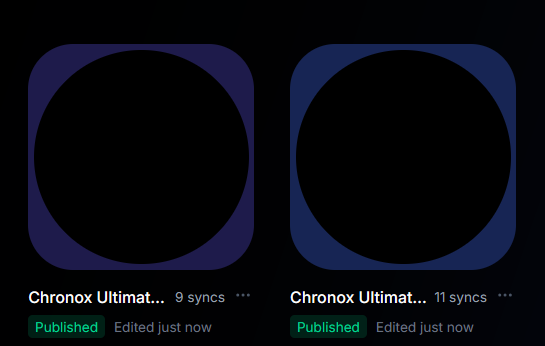
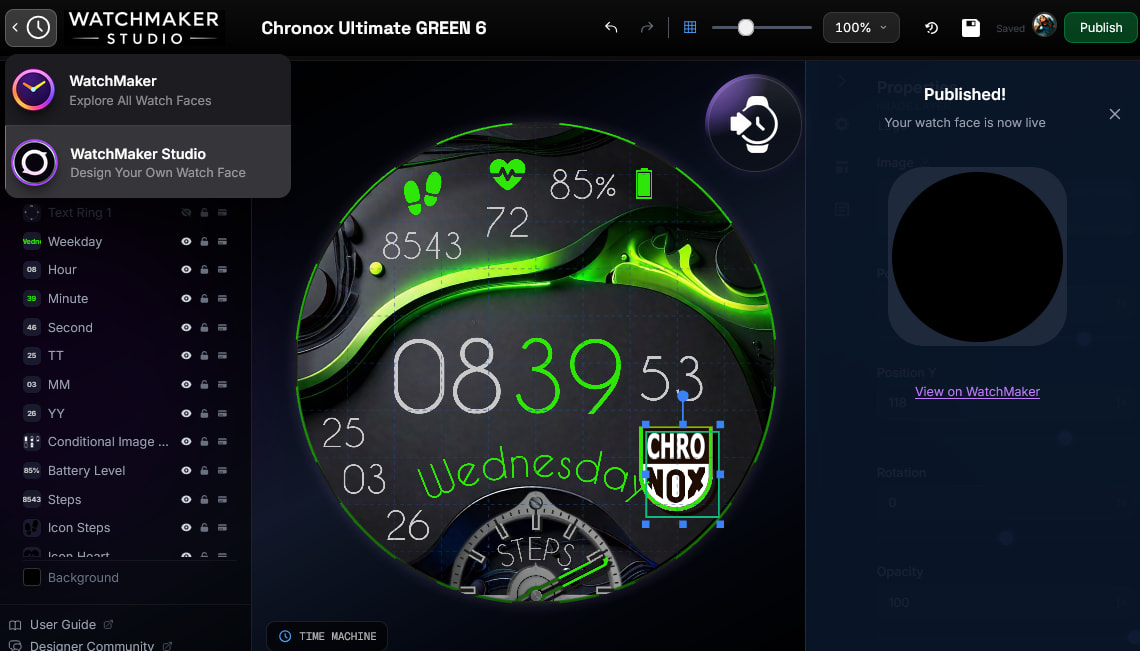
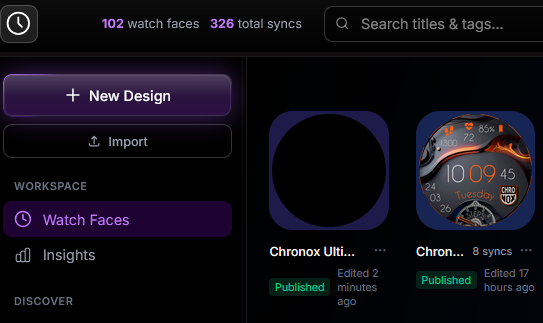
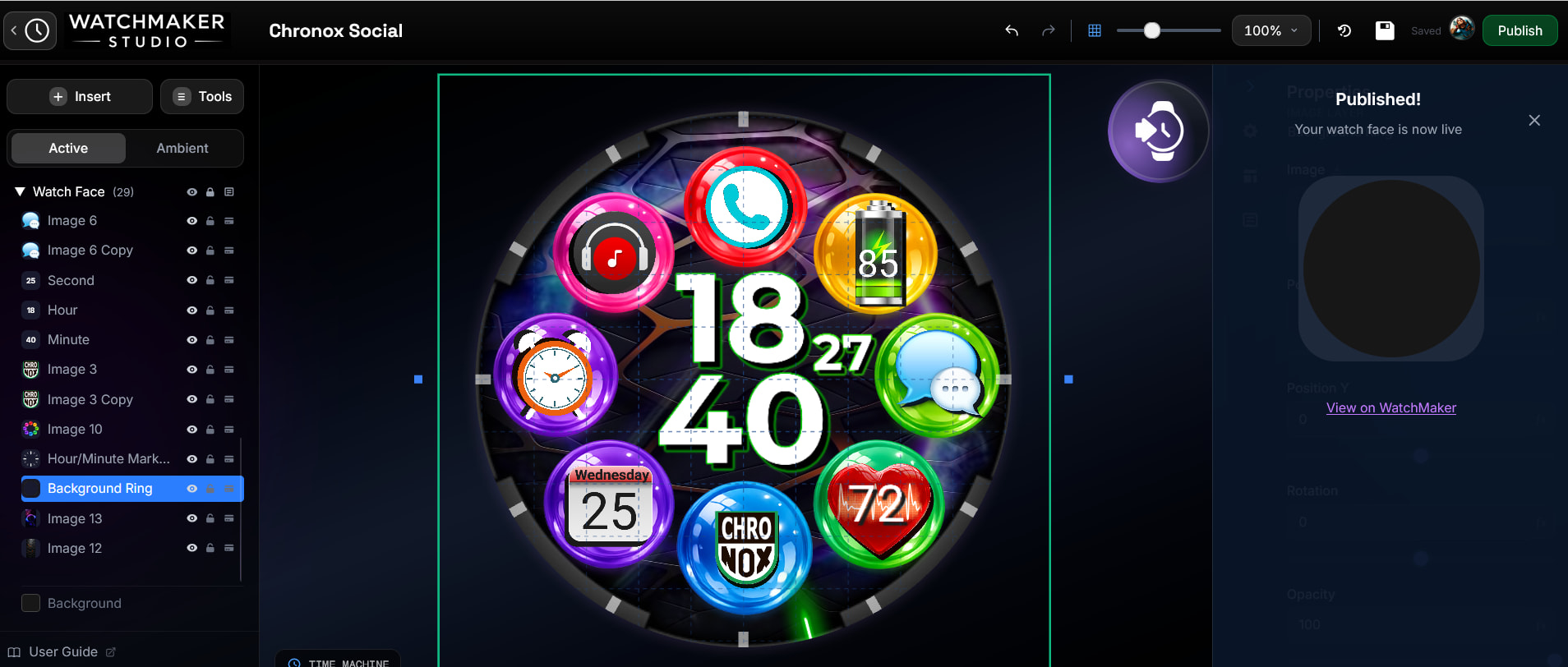
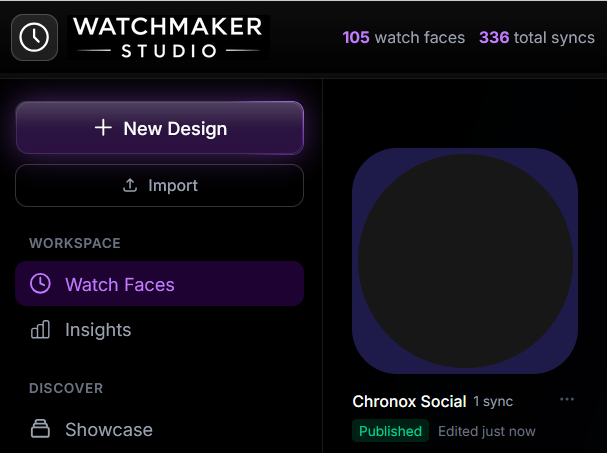
Saving Face in Watchmaker Studio shows empty preview after saving and publishing it in Studio and in Watchmaker App on Smartphone
That’s really wired and confuses me
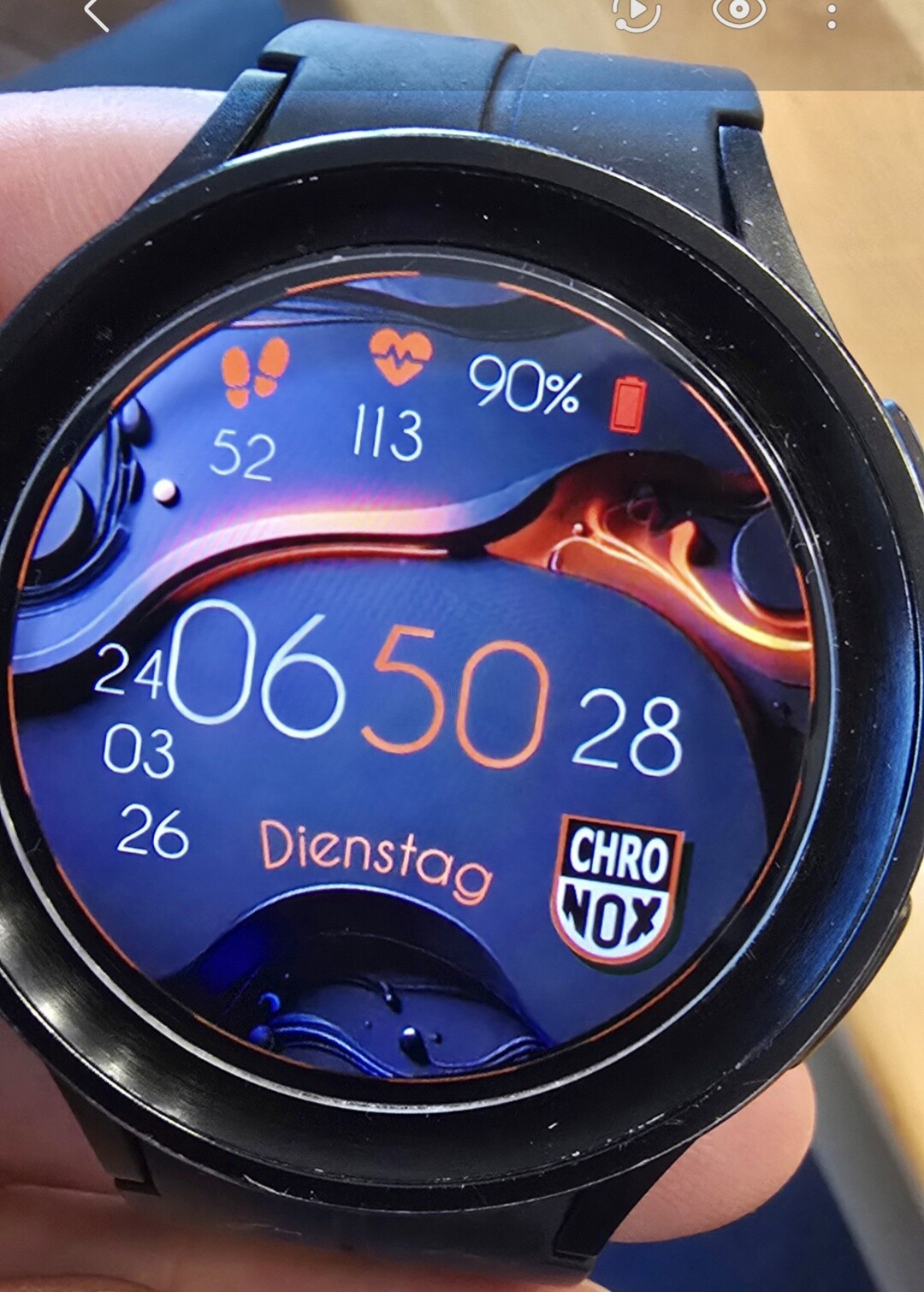
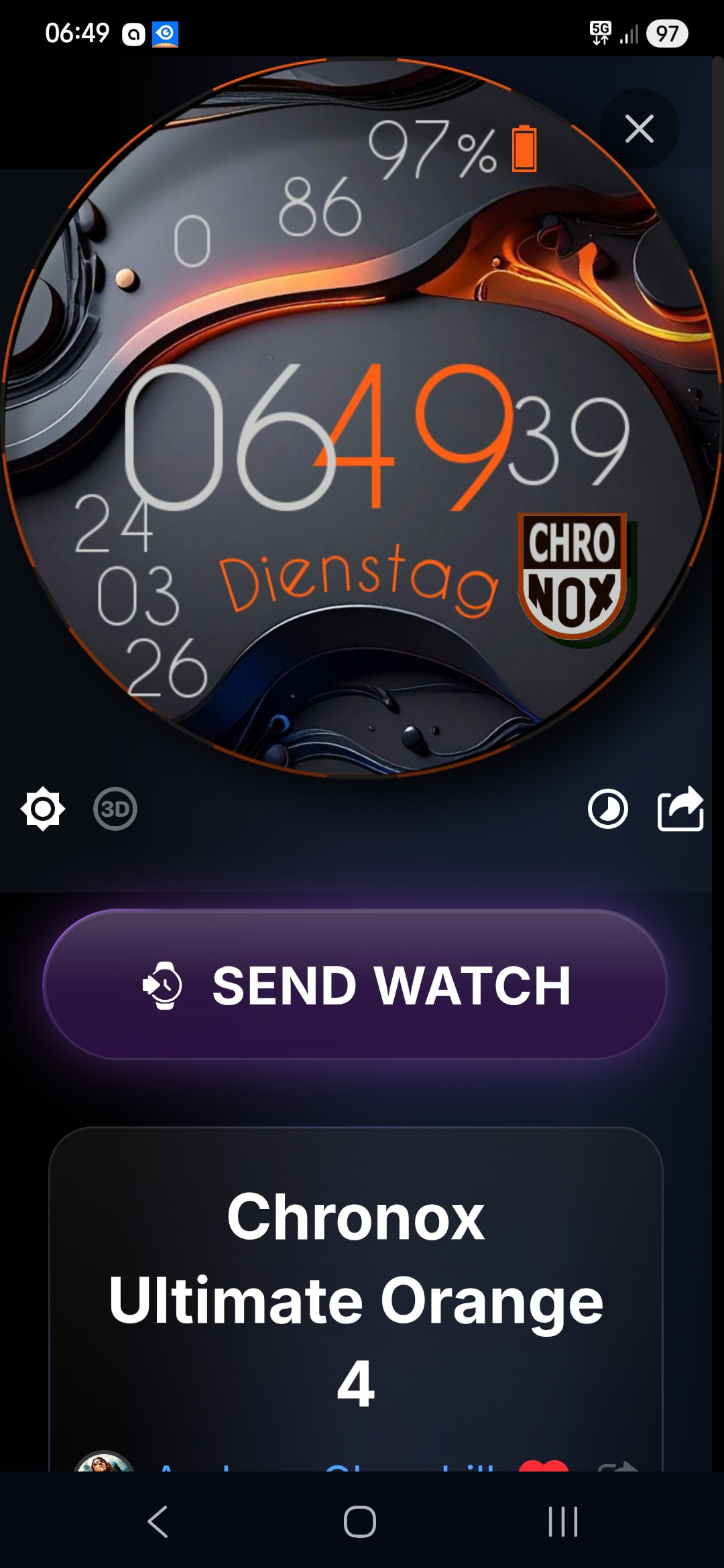
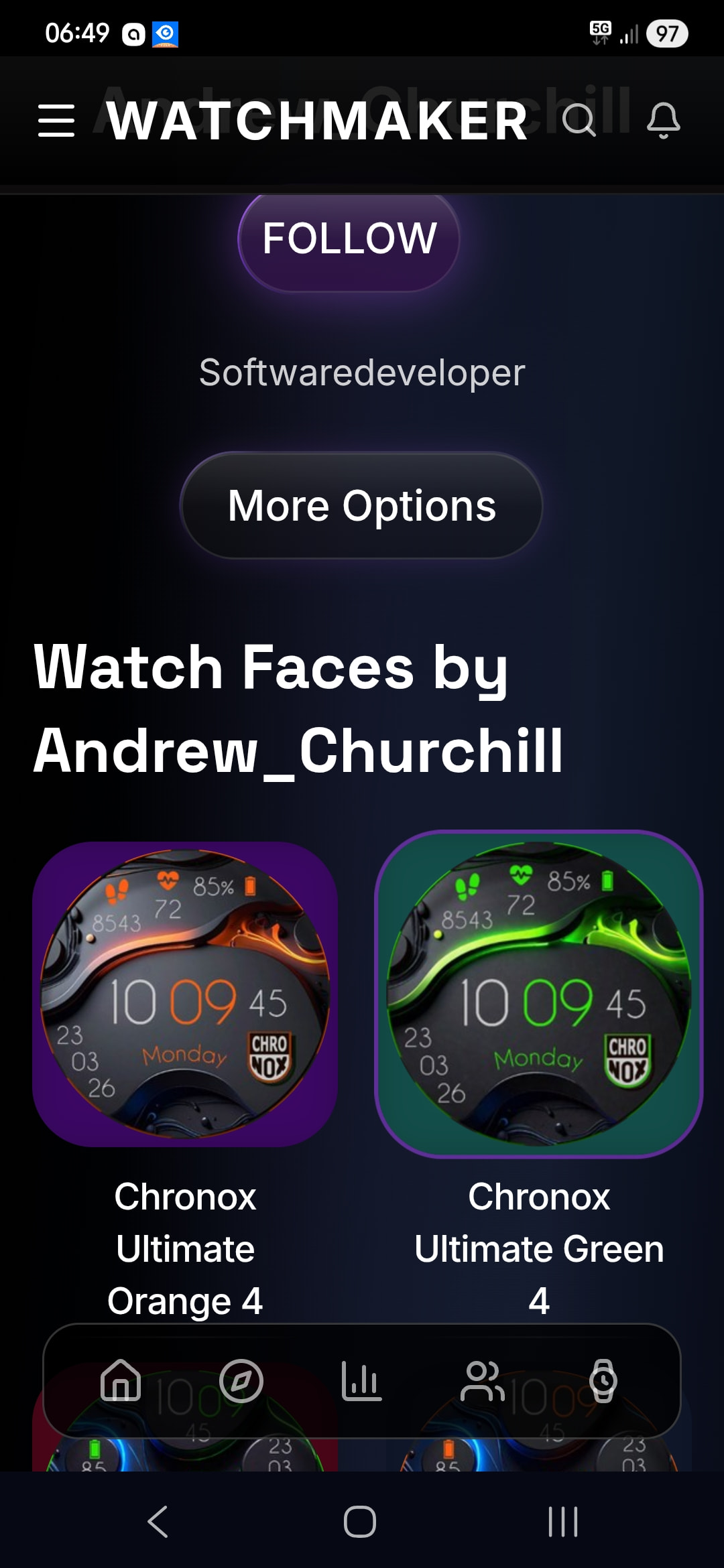
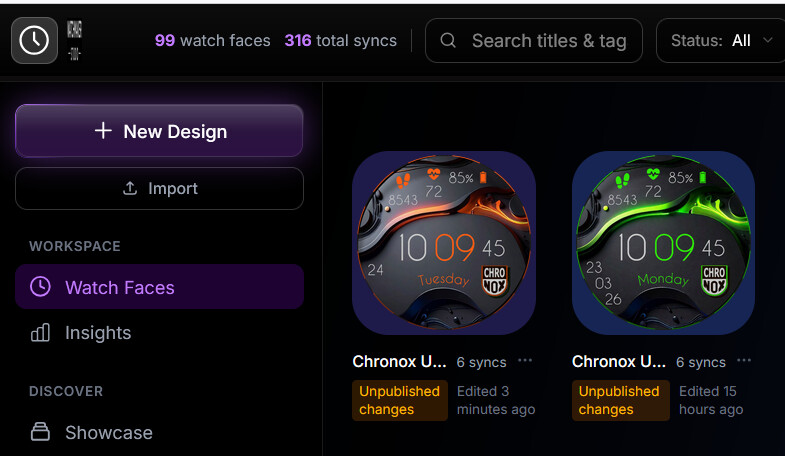
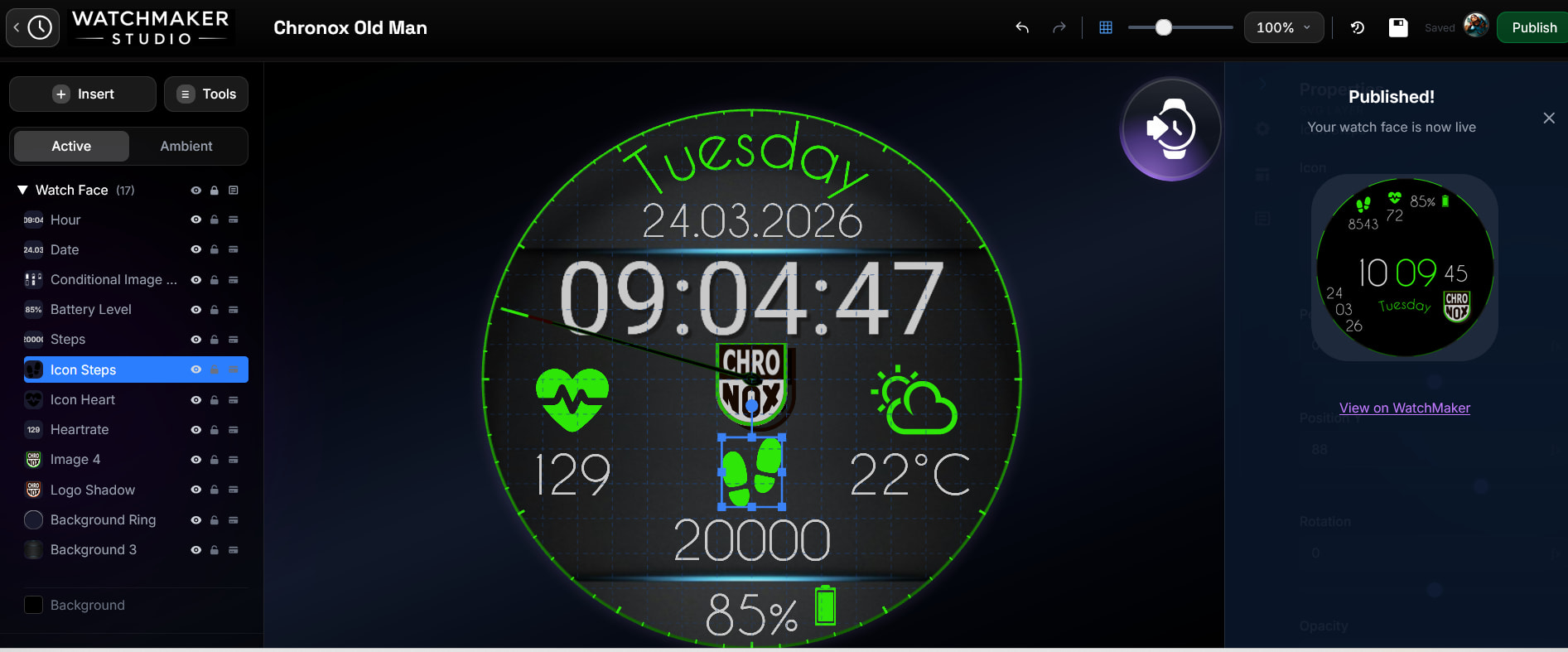
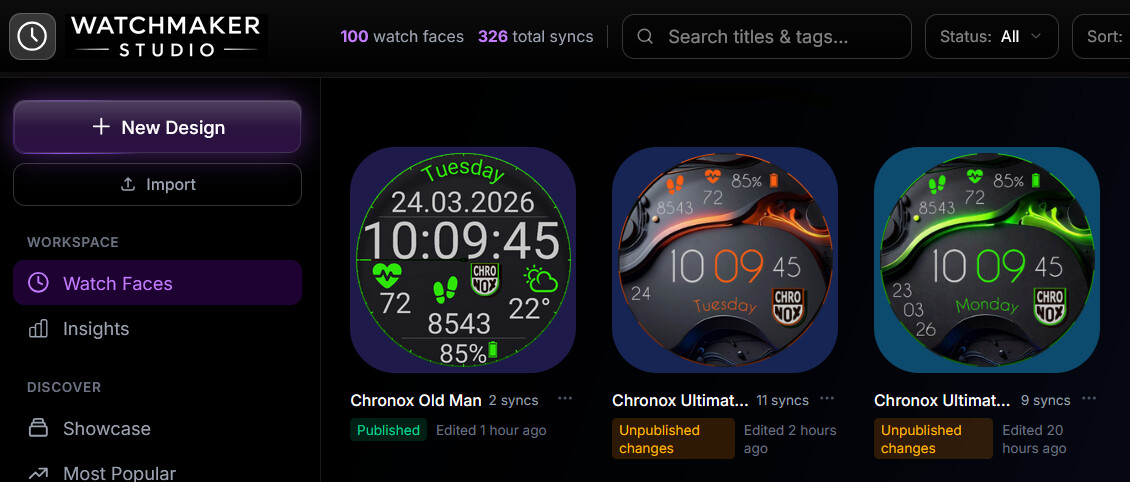
Here you can see the differences between Studio, App and Watch
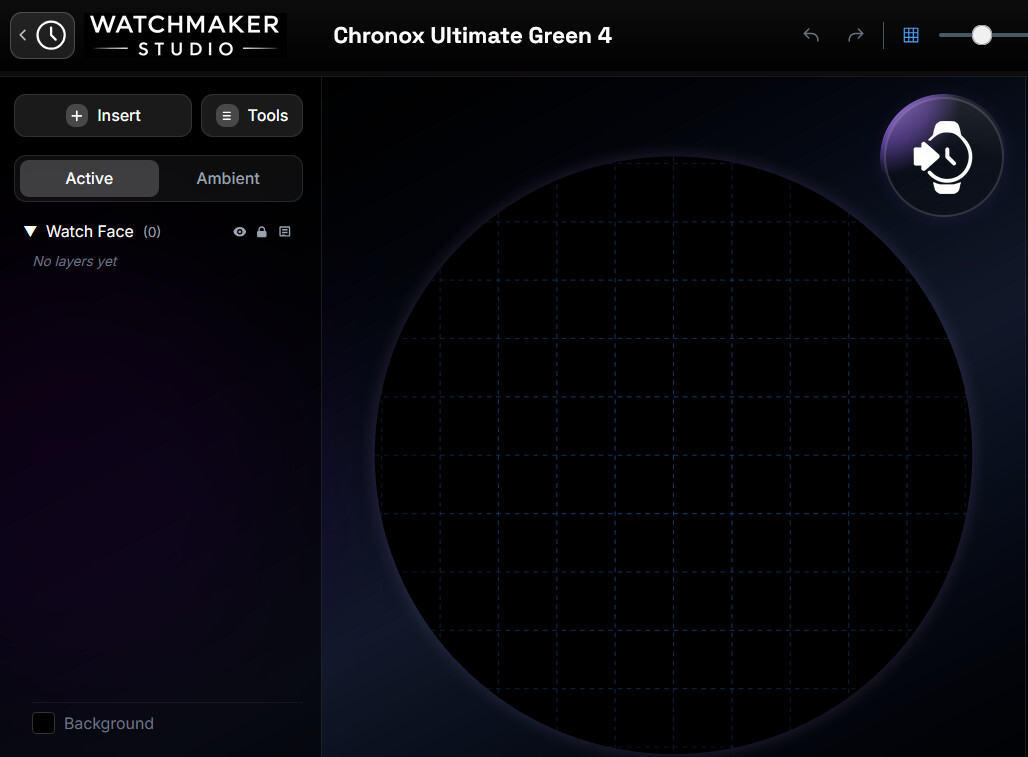
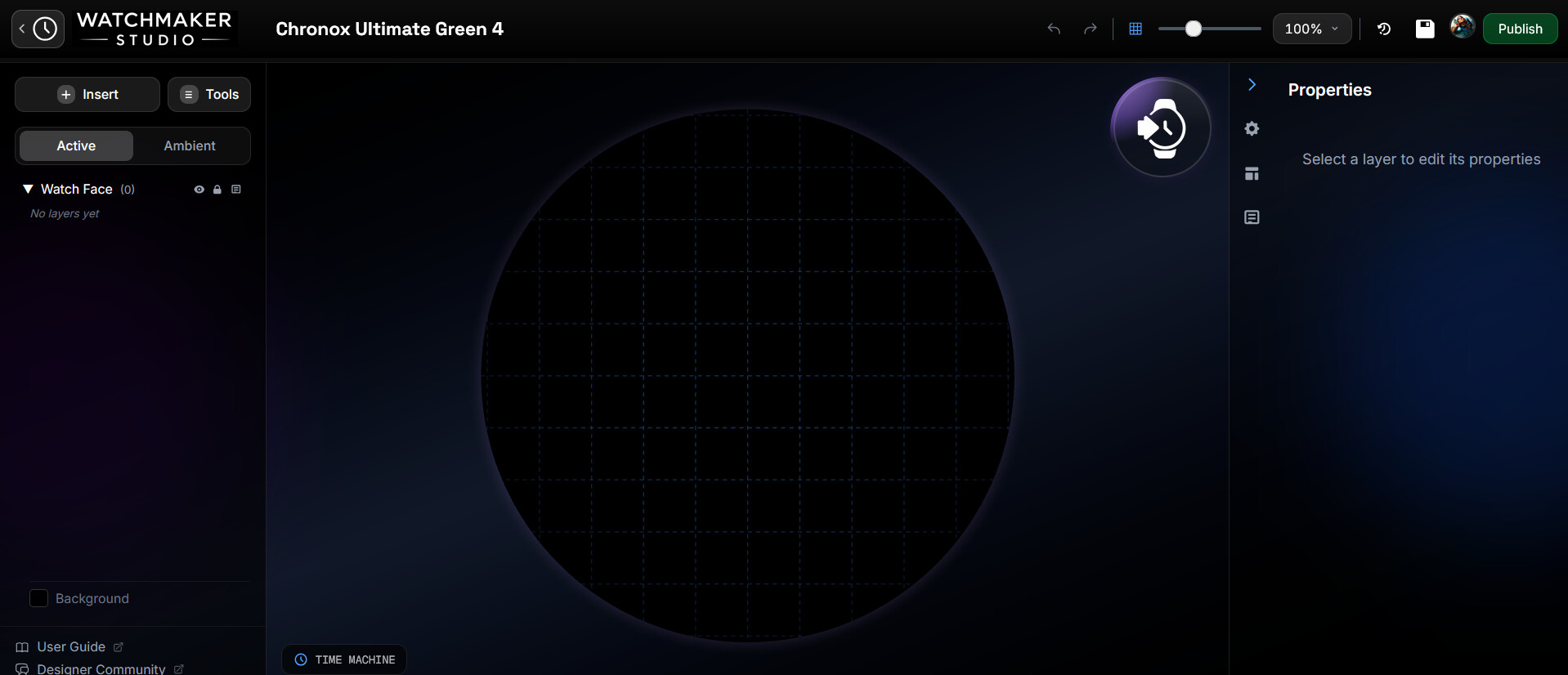
if i’m opening now ot published faces in studio …. i get an empty project … without layers.
see below (last 2 screenshots)
-
wrong positions
-
layers missing
-
icons missing
….
TEST HERE =>> copied face for test, changed it, saved it, published it => completely different
=> something is mixing up with copied project and positions …..
check difference of saved and published look abd feel
Thanks for the detailed bug report — really helpful.
We’ve now pushed fixes for two of the issues you mentioned:
-
Faces built in Studio will now render on the phone app using the Studio renderer, so fonts, icons, positions, etc should all match correctly.
-
Fixed an issue where some preview images were incorrect after saving/publishing.
Please let us know if you find any more bugs or anything still looks off.
thx for your fast fixes.
My faces which i have not published have no layers if i open that project in Studio. can you check that again please?
=>
AND AFTER PUBLISHING all the layers got lost now?
=>
if that problem occurs only following procedure helps
thanks - were these faces originally built with WatchMaker Studio or with mobile phone watchface editor?
with Studio!
maybe the problem is the duplication of a face which was developed in studio?
Andrew I cant seem to recreate - are you still seeing this?
If you do, can you let me know before you do the above fix so I can take another look?
https://getwatchmaker.com/studio/23FyUNByQQ
that is a duplicated face. after saving and plublishing =>
just let me know if i should save and publish again to get it visible!
or you can also try by yourself if you want. feel free
The link should be
http://192.168.50.230:3000/studio/23FyUNByQQ/edit
not
http://192.168.50.230:3000/studio/23FyUNByQQ
Do you know which part of the app was giving you the wrong link?
It should definitely work with the first link.
Alex
sorry. it was my own fault of not copying the whole link!
no worries - so does it work with full link?
not with your ip => use that for testing => WatchMaker Studio – Watch Face Creator for Apple & Wear OS (Free) | WatchMaker
or what do you mean? have you fixed an i should test? please let me know if i should help you
sorry i meant are you still seeing bug when sometimes clicking a watch in Studio gives you blank face?
have you fixed something?
have you created 2 new faces in my account which are named “Flight A3 Combo Stealth V1.5” ?
Same Problem now with that face => WatchMaker Studio – Watch Face Creator for Apple & Wear OS (Free) | WatchMaker
go to that face now and you will see that it is published but no layers are visible.
Save now
and Publish again
and after that it is visible
sorry i was testingand then was fixing some other watchfaces - i removed them now
that face is deleted now but showed as draft not published
it happend again … i saved and published a new face =>
if i will save and publish again it will maybe be displayed !
here if you want try it => WatchMaker Studio – Watch Face Creator for Apple & Wear OS (Free) | WatchMaker
should be fixed now - try again
thanks again for the report
doesn’t work. sometimes i have to publish twice to be really published ! (always publish twice is a nice workaround ;o))
what happens when it doesnt publish - it says published but with black preview?