- Insert a text
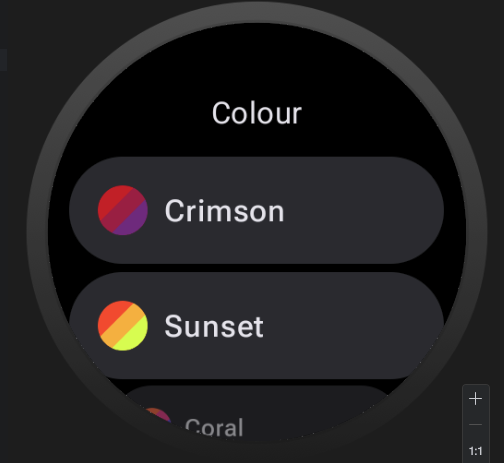
- choose a shader and choose a color from palette
- select the hex value with mouse
- try to overwrite the value with keyboard
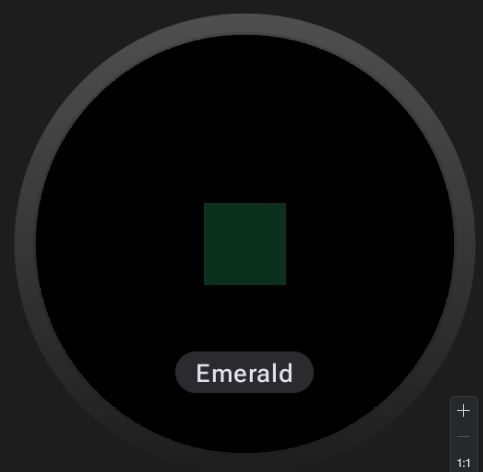
- => black screen
if you choosed a shader and you go back to none shader the text is not rendered anymore. you always see the shader. solution now is to exit studio and call the face again. same problem with shaded background, rendering is not working correct in studio.
if you open saved draft with shader and shadow elements again in studio … all those settings got lost …
Thanks for the report. We’ll take a look.
i cant recreate the shader bug on text
but i have fixed the export/import of shader/shadow elements
I will check it tomorrow. The export fix maybe also fixed the problem that {ucolor} was not working?
Export works now correct. Only color switcher {ucolor} is still not working
What exactly is not working with {ucolor}?
Is the color not changing at all, or is it rendering incorrectly in Studio or on the watch?
It doesn’t work on watch.
I just tested again and it worked for me. I can change this {ucolor} using the wear color selector
ok. maybe you can have a look at that watchface => WatchMaker - Create Stunning Watch Faces
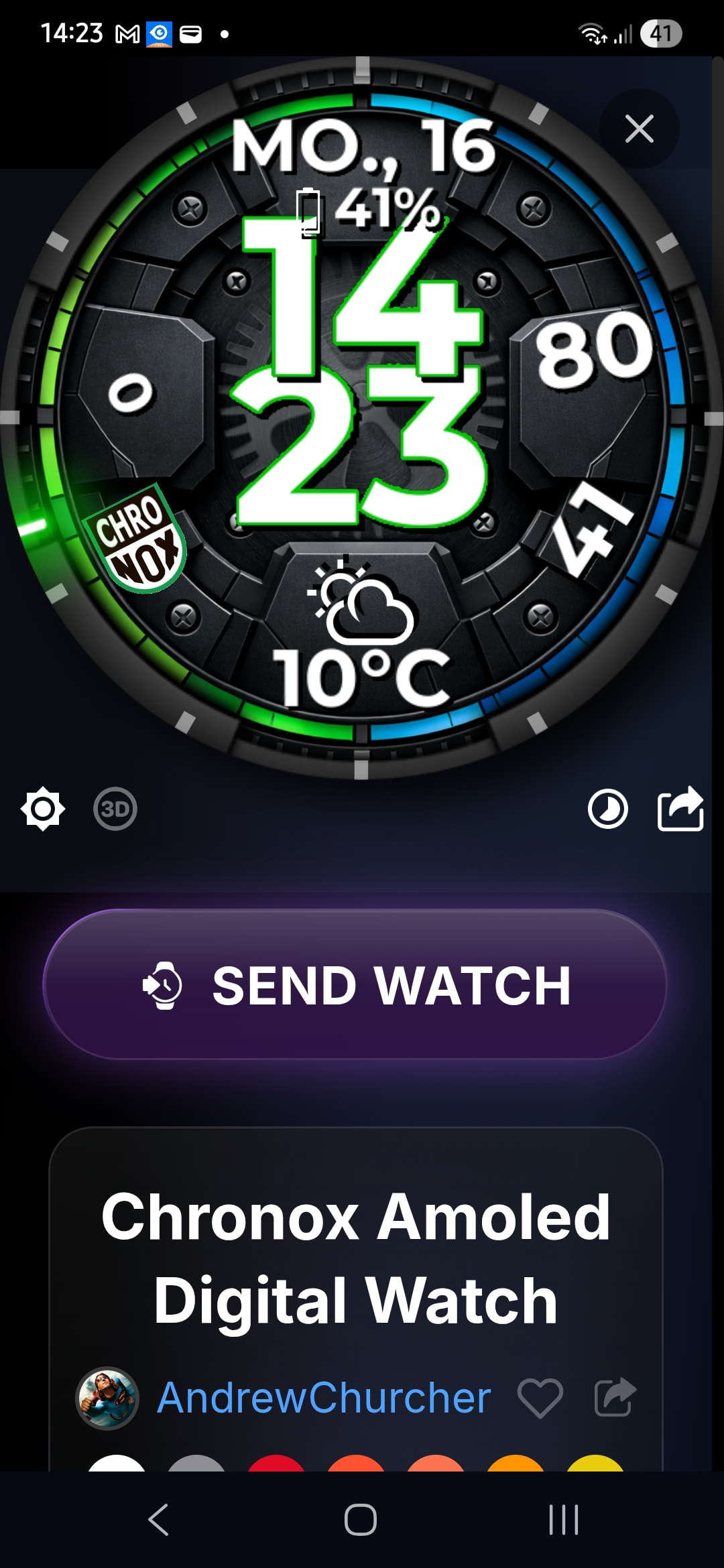
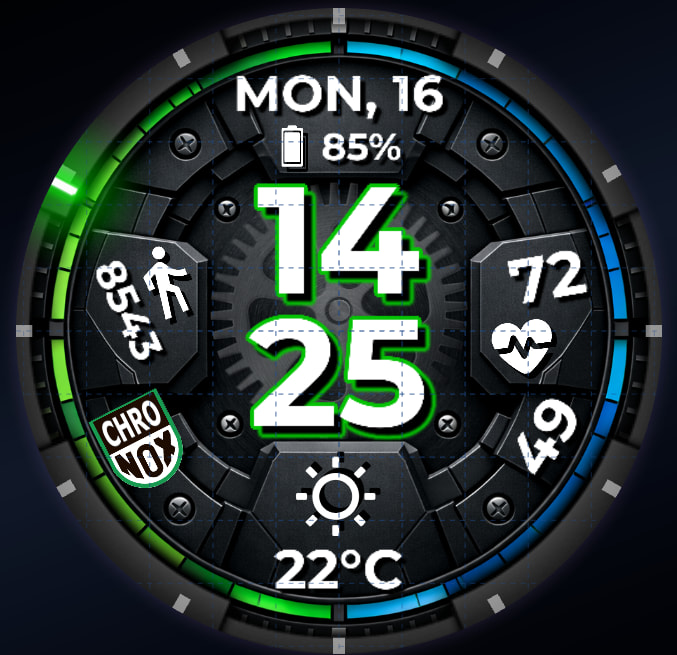
{ucolor} is defined for some elements but doesn’t work on samsung galaxy watch 5 pro. also the design and positions of elements differ in watchmaker studio with those in watchmaler app on phone and also on the watch.
in watchmaker APP and on the watch like that =>
and in watchmaker studio it is correct like that =>