Hi,
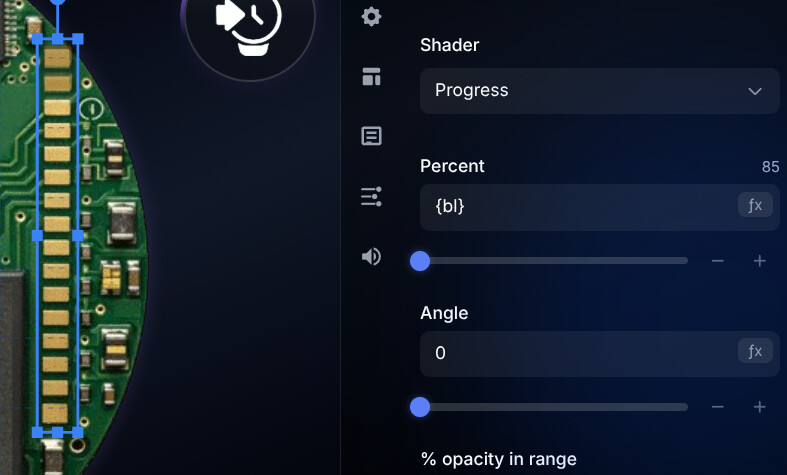
Does some know why this doesn’t work?
I did made this watchface: https://getwatchmaker.com/watchface/printed-circuit-board
But can’t make the batt. bar working. (on the watch it will not animate)
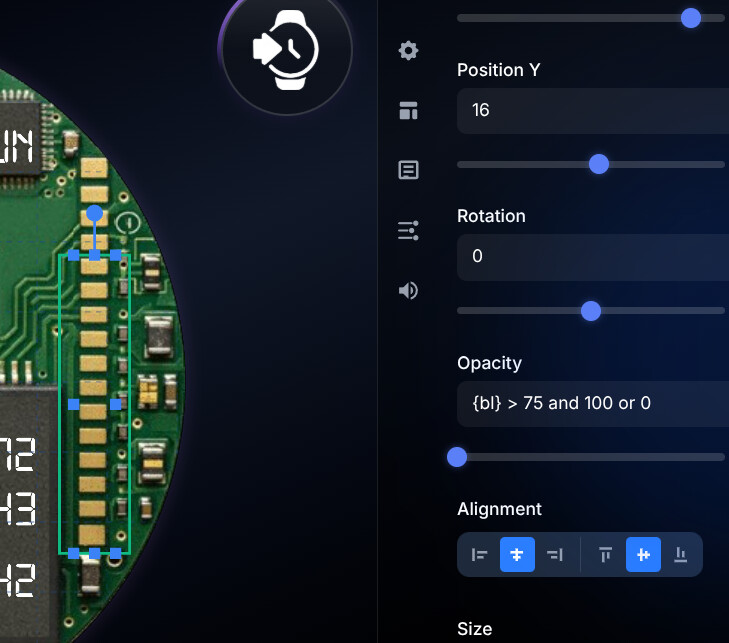
See the screen shot.
The code tr set “shader” to progress and “Percent” to {bl}
On the comp. at the watchmaker studio it works.
But on the watch it doesn’t do anything
Some got idea to solve this?
i dont think all shaders work on watch with dynamic values
you could try to implement with a conditional height object instead
yes but in my situation isn’t that beautiful.
background is dark rectangle and the picture of the batt status is light rectangle.
maybe better to make a picture with Conditional Image.
Is there a explanation how to make a conditional image?
There might be something I can do at my end to make shaders work for dynamic values
Leave it with me
Unfortunately we took a look and couldn’t find a proper fix for this one.
It looks like this is a limitation of the exported native watch face. The Progress shader is baked when the face is exported, so {bl} gets evaluated once and then freezes. It works in Studio preview because that is using the live WatchMaker renderer, but the exported WFF / Apple face is using a static image.
A possible workaround:
- Use a segmented battery bar, with several image layers shown/hidden at different
{bl} levels
Too bad..
will make more images and will put them in.
But them more images how bigger the watch, and more battery drain?