WatchMaker Sounds lets you add audio directly to your watch faces.
Play hourly chimes, scheduled alerts, or tap sounds — all running natively on the watch with no phone round-trip required.
What you can do
-
Hourly, 30 min, or 15 min chimes
-
Play sounds at specific times (like 08:30 every morning)
-
Custom minute schedules (:05, :20, :55)
-
Tap a layer to play a sound instantly
-
Preview sounds directly in Studio
Supported audio
.mp3, .wav, .ogg
How it works
Sounds are scheduled directly on the Wear OS watch using Android alarms, so they still play when the screen is off or the phone is far away.
The first time Sounds are enabled, Wear OS will ask for the system “Alarms & reminders” permission.
Tap Actions
You can now set:
Tap Action → Play Sound
Perfect for buttons, alerts, retro beeps, sci-fi effects, and interactive faces.
Notes
Try it now in WatchMaker Studio 
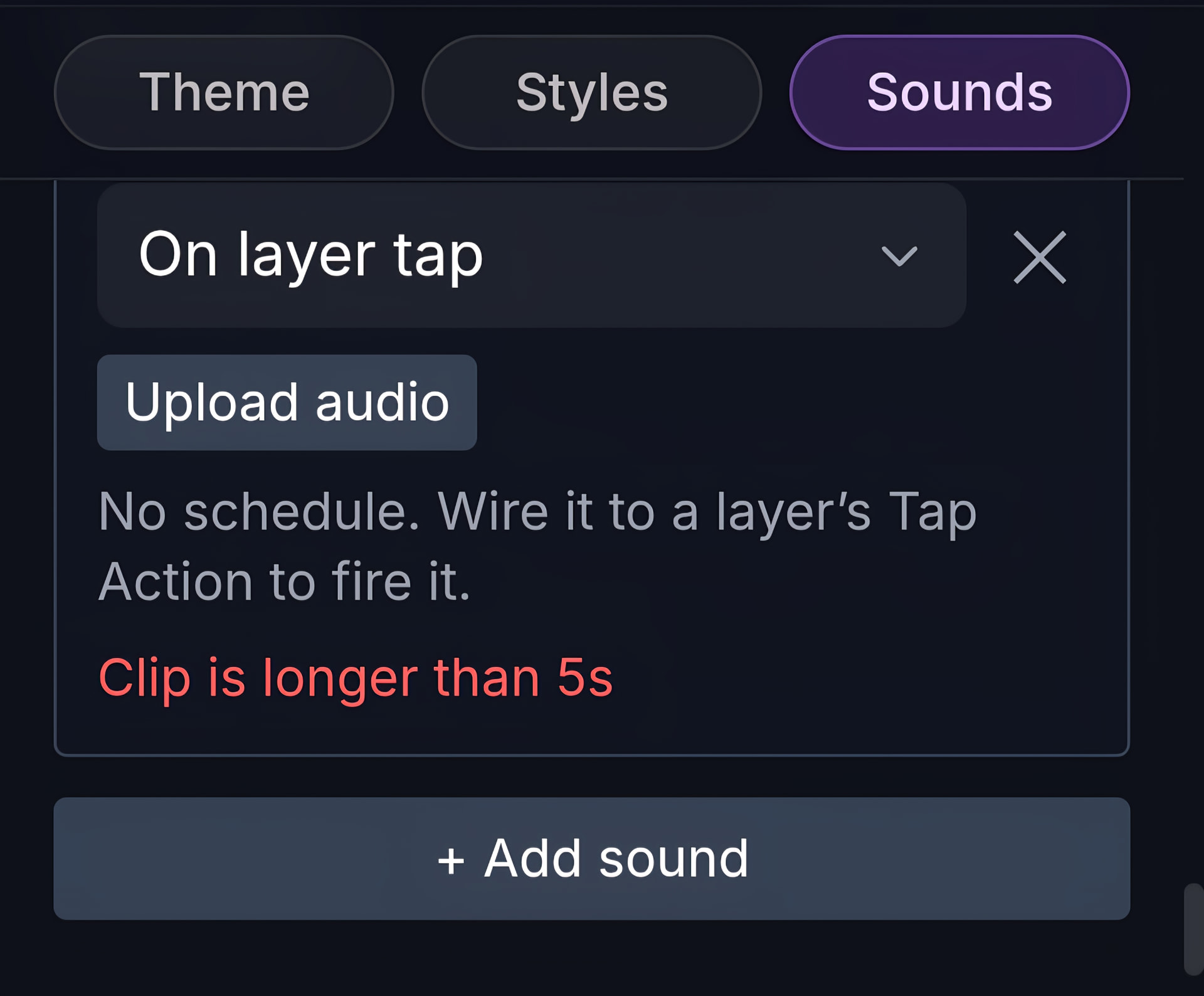
Can’t get it working. I always get same error message that sound is longer than 5 sec although it isn’t longer
Can you send me a sound file that’s causing this bug so I can reproduce?
How can i attach the file here?
Try uploading the sound file to this site and check the length. You can also clip the file to get just the bit you want.
I know. Problem was that sound was 2 ms too long.
do you still need me to investigate?
you can email me file at admin.androidslide@gmail.com if you need
Thx a lot. The 2 ms have been the problem. Easier would be if you can cut it after 5 s if it’s longer during upload. If you develop in java it is very simple. Just let me know if you need a solution.
Can’t add sound. When I add it and sync it does not save
check you have updated your watch app to latest version
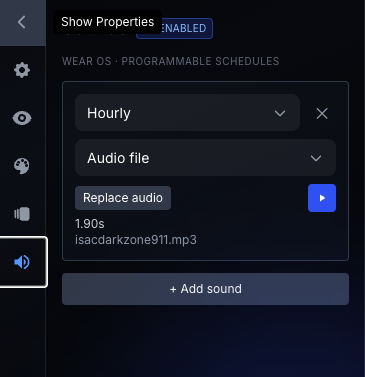
Watch is on the most updated version. It’s a galaxy ultra, and the app is updated all the way. I can go to sound and the drop down has hourly, then I select the .mp3 file when I hit preview or back out it doesn’t give an option to save and when I go back to sound it’s gone
is sound missing in editor or when you send to phone?
I can get to sound after hitting the customize tab at the bottom. Then I go to sound and the drop down says hourly, then audio, then I can search up the audio file but then that’s it. I can play the sample of the sound but then it won’t save
it saved for me when i just tried it
can you confirm a couple of things:
- are you using mobile or desktop
- what file format is the sound?
- if possible can you send me a link to the sound file?