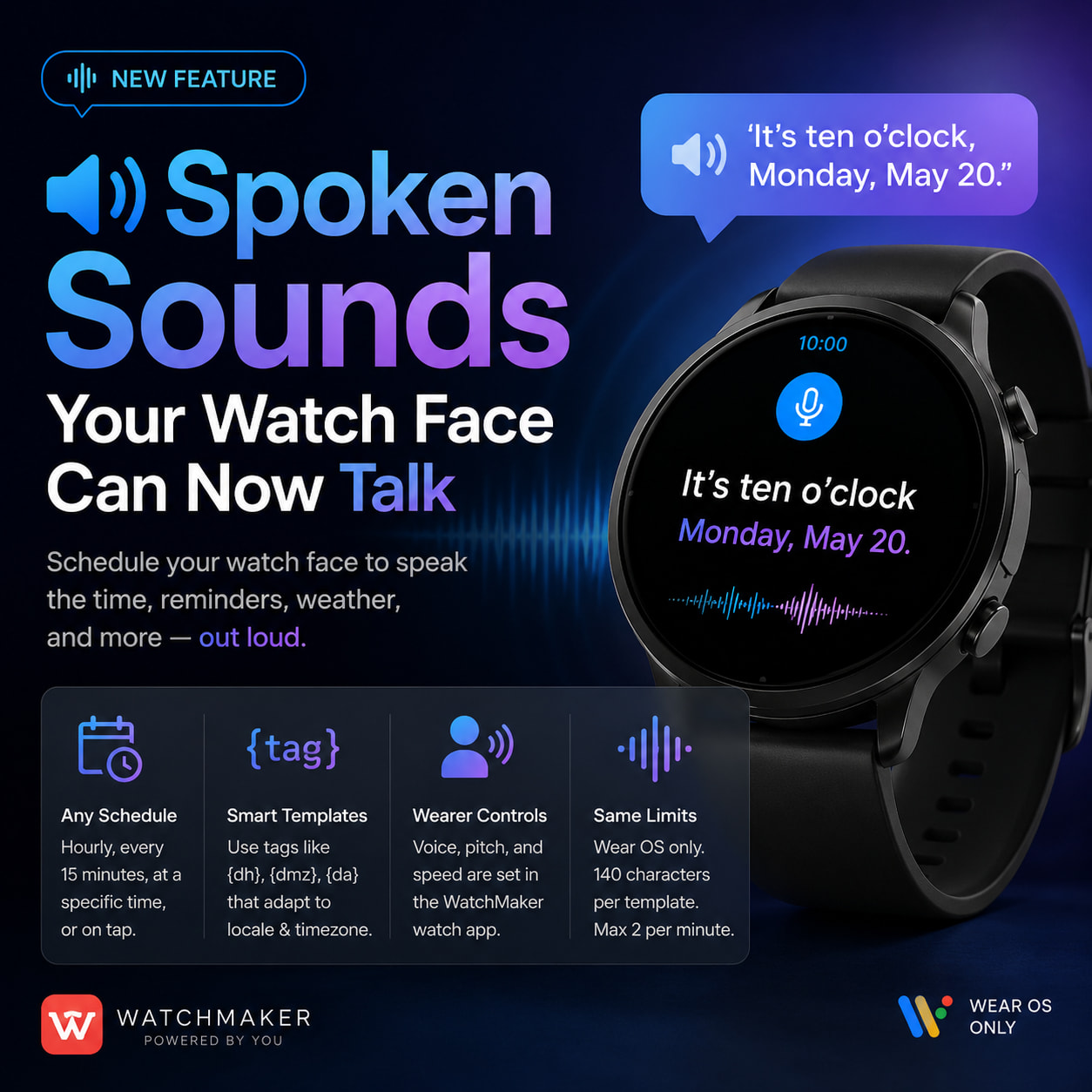
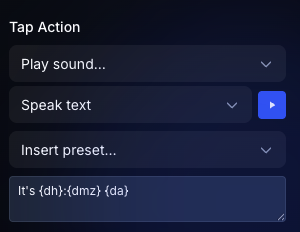
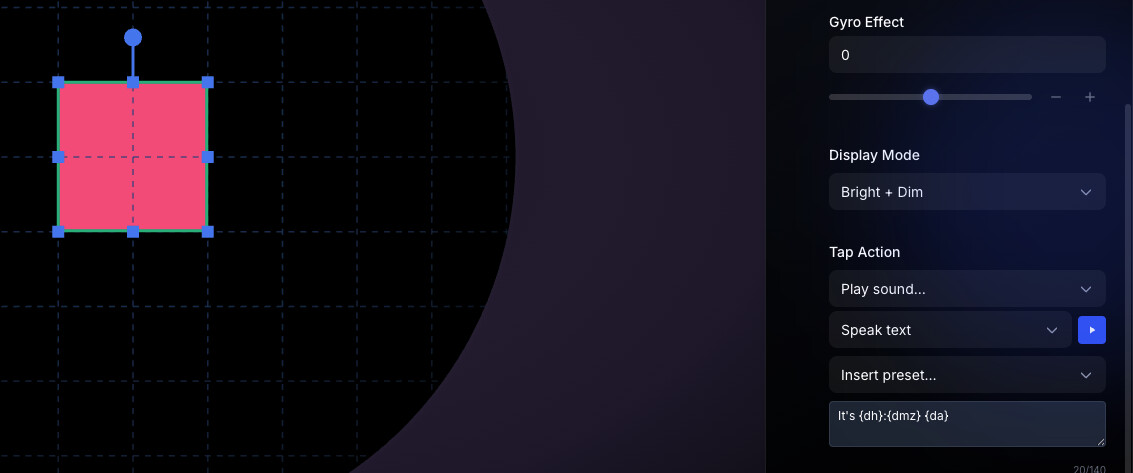
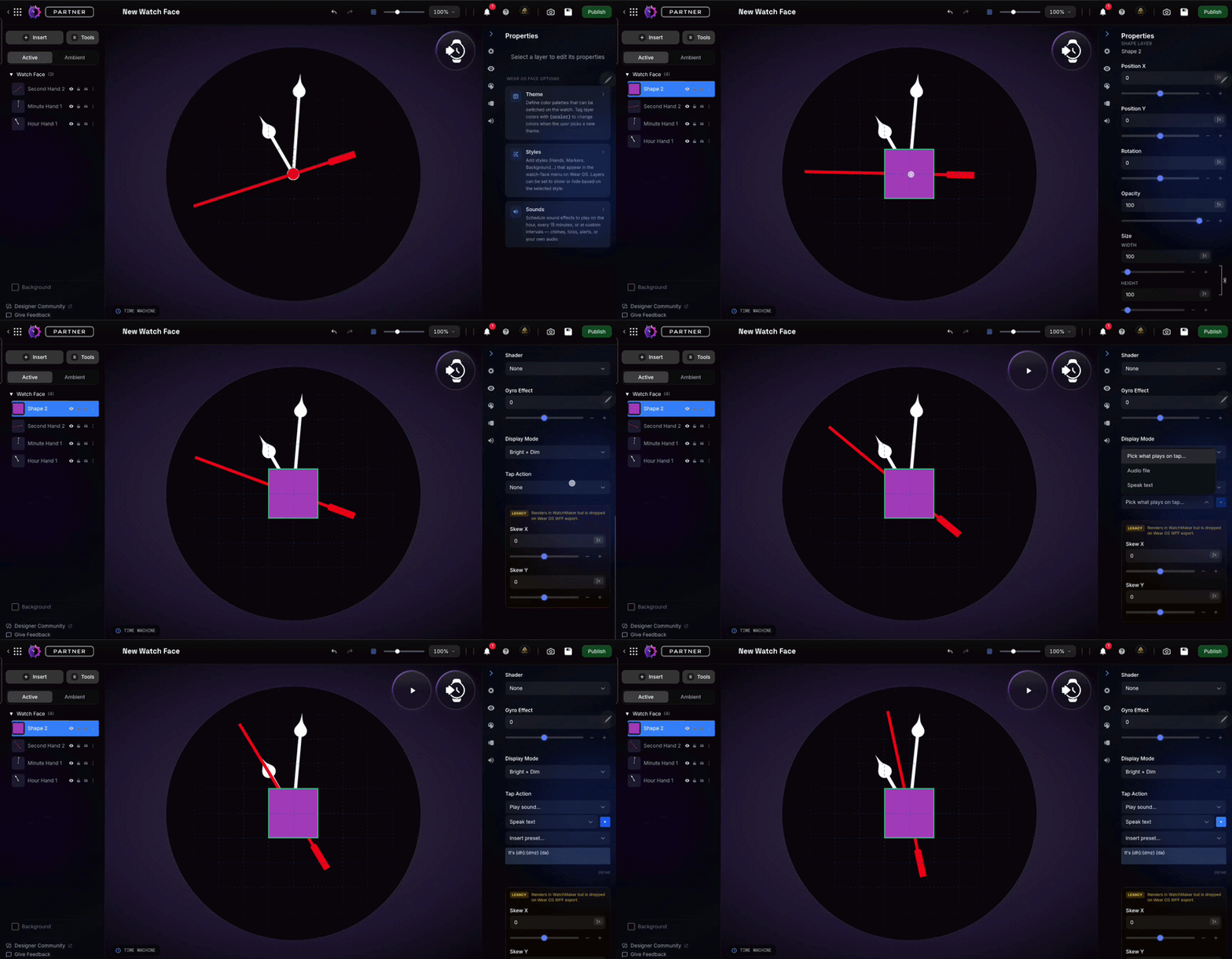
Spoken Sounds introduces a new type of scheduled sound that speaks instead of playing audio. Select Speak Text in the Sounds panel, enter a phrase such as It’s {dh}:{dmz} {da}, and your watch will read it aloud whenever it’s triggered — on the hour, every 15 minutes, at a specific time, or even when a layer is tapped.
Templates aren’t fixed text. The same {tag} syntax used throughout WatchMaker ({dh}, {dmz}, {ddww}, {ssc}, {bp} and more) is expanded on the watch at the moment the sound is spoken, so a single template automatically adapts to the wearer’s locale, timezone, and live data. Start with a preset or create your own.
Designers control what is spoken, while wearers control how it sounds. Voice selection, speech speed, and pitch are configured in the WatchMaker watch app’s voice settings.
Spoken Sounds uses the same scheduling system and limits as audio chimes: Wear OS only, up to 140 characters per template, and a maximum of two sounds per minute.
A text-to-speech engine must be installed on the watch. If none is available, the first attempt to use a spoken sound will prompt the wearer to install Google Text-to-Speech automatically.
Well if you cannot see the blue play button right of the speak text, not much you can do. What browser are you using. For me works on Samsung internet browser and Google Chrome.
If you implimet features that only works in English you should write that in the description of the feature
In the guide it says that you can use the {ssc} tag.
But when it try it reads ssc not the step count.
It doesn’t work at all in the Norwegian language
But I have changed my language to English (UK)
If you can’t fix it please remove it from the guide so other users doesn’t have the same problem as i had.