This doesn’t work correctly in Studio when animating. But works in the app and on the watch. Orbital animation.
X pos
math.sin(math.rad({drm}))*100
Y pos
-(math.cos(math.rad({drm}*2))*145)
This doesn’t work correctly in Studio when animating. But works in the app and on the watch. Orbital animation.
X pos
math.sin(math.rad({drm}))*100
Y pos
-(math.cos(math.rad({drm}*2))*145)
thanks for reporting this
i’ll get the fix into studio soon
Have you had a chance to look at this? I know your busy. Just checking.
what exactly do you want to do?
for a smooth rotation e.g. seconds i solved it like that =>
x-pos:
0 + 242 * math.cos((2*math.pi/60) * ({ds} + {dss}/1000) - math.pi/2)+2
y-pos:
0 + 242 * math.sin((2*math.pi/60) * ({ds} + {dss}/1000) - math.pi/2)+2
for minutes and hour just change the tag definition and don’t forget to change your radius ;o)
An other solution:
Hour
x=(0+78*math.sin({drh}3.141/180))
y=(0-78math.cos({drh}*3.141/180))
min
x=(0+78*math.sin({drm}3.141/180))
y=(0-78math.cos({drm}*3.141/180))
sec
x=(0+78*math.sin({drss}3.141/180))
y=(0-78math.cos({drss}*3.141/180))
Thank you @Watchforge for those . I feel there was a little corruption in the Posting but I managed to get them Working in Studio . Watch next .
Houston… where was the problem?
The were not the same on both . Intrestingly the X formula worked as is but I added the * in on studio . Ypu may have already Gartherd I am no expert . I thought the formula woud be like this and it worked for both x and y .
(0+78*math.sin({drh}*3.141/180))
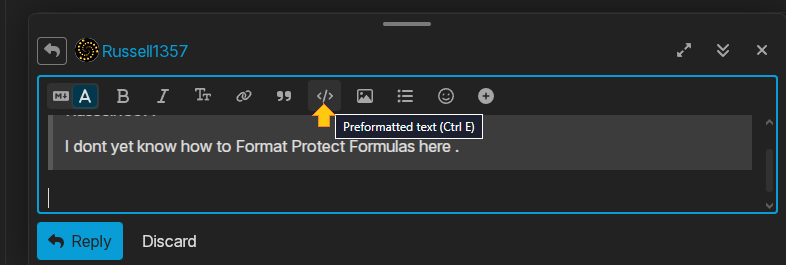
I dont yet know how to Format Protect Formulas here .
Hey . Thanks very much . I should have just given that a try . I note that I don’t get that option typing on my Tablet .