Can anyone tell me if there any advanced classes or courses that teach someone how to create faces? I want to improve my face but I can’t figure out how to make it better.
You have to go step by step to learn any platform . There is a Wiki . No easy way to get stuff done . Show us where you got to so far .
.
.
Ok, I am super new and do not know how to show you what I am working on and what I want to add to my face. Can you walk me through it? Thanks
I do not know about classes or courses, at least not about new ones, that would also take in account the no longer supported stuf.
If you have some direct question how some feature works, ask here and people may point you to a documentation or give you answers. Usually if there is no direct way how to do something, there can be found a workaround.
Unfortunatelly there is no universal formula how to make watchface look pretty.
Start here if you did not yet:
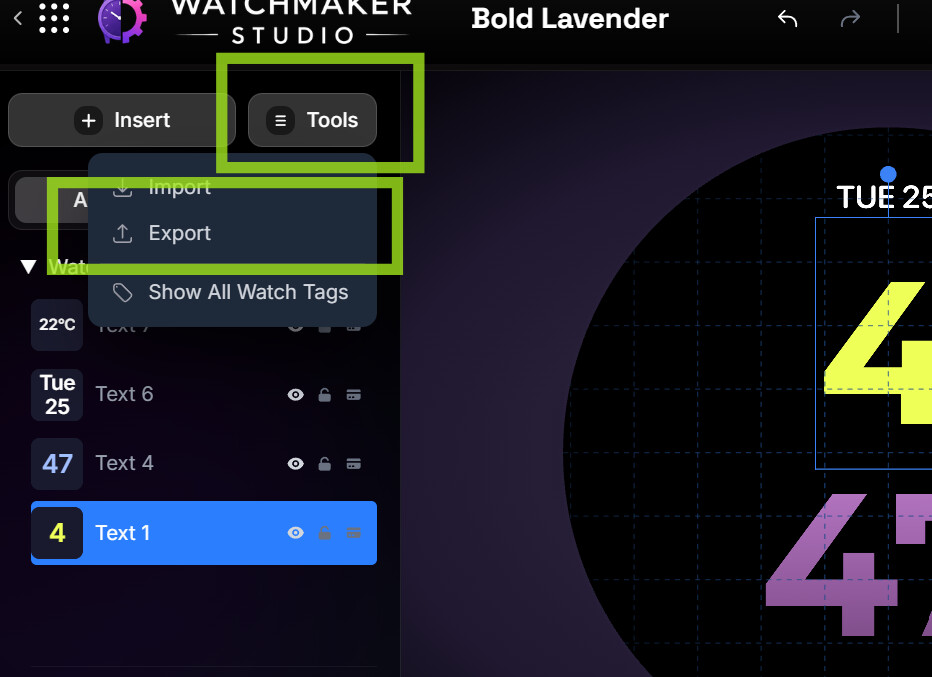
@CWORM4 . You have embarked on an extraordinary Journey . Like a Chid who is learning anthing for thr first time the most important thing is to Play . I work exclusivly on the Web App . Which I am sure you have found . Peter has pointed out the documentation . As he pointed out you have to make a start then you can export it after saving for yourself and show us where you go to . Try to se Screen shots to illustrate what your question is .
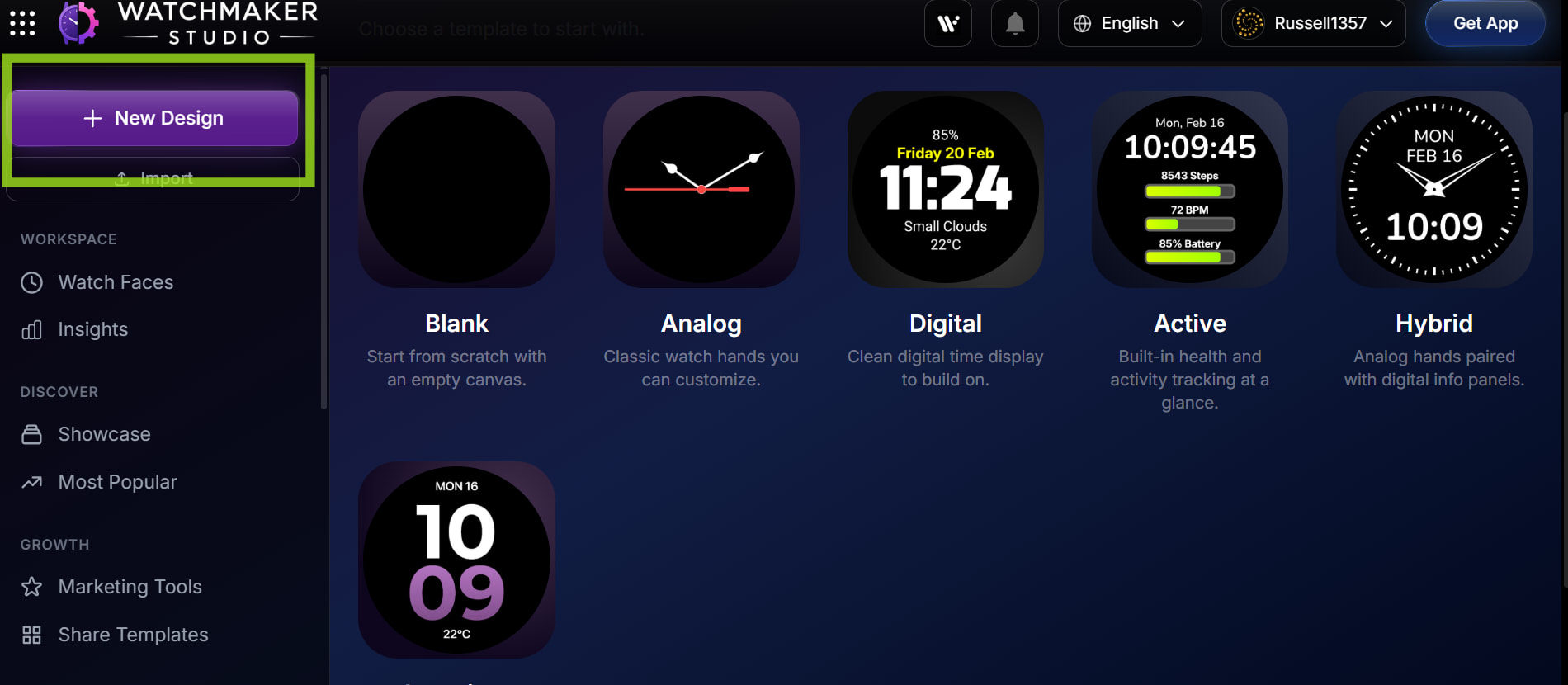
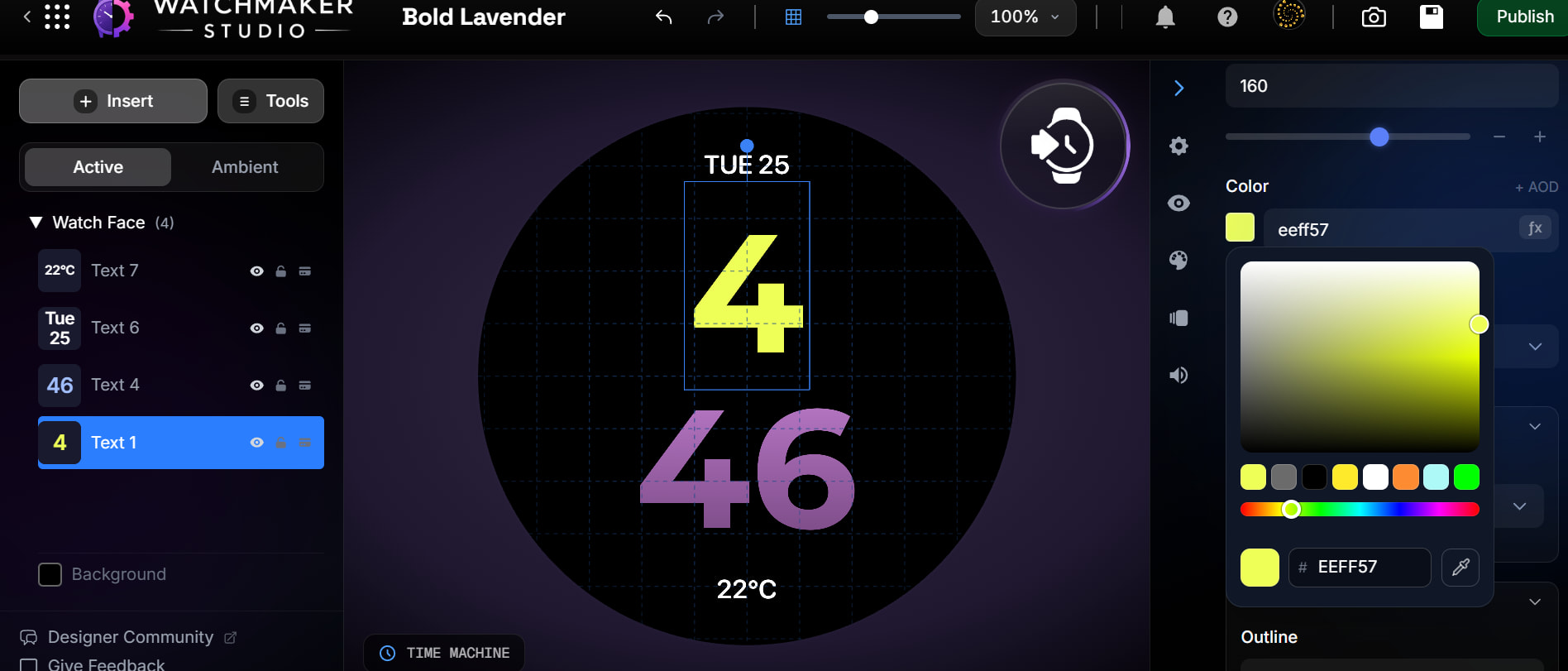
Here are some Shots . See templates are shown when you click New Design . Have a go with one of them . See how easily you can change the colour of the Numrerals . Export your Face and we can look at it . The File is in your downloads folder . As a .watch file . Copy and Paste that into your Message .
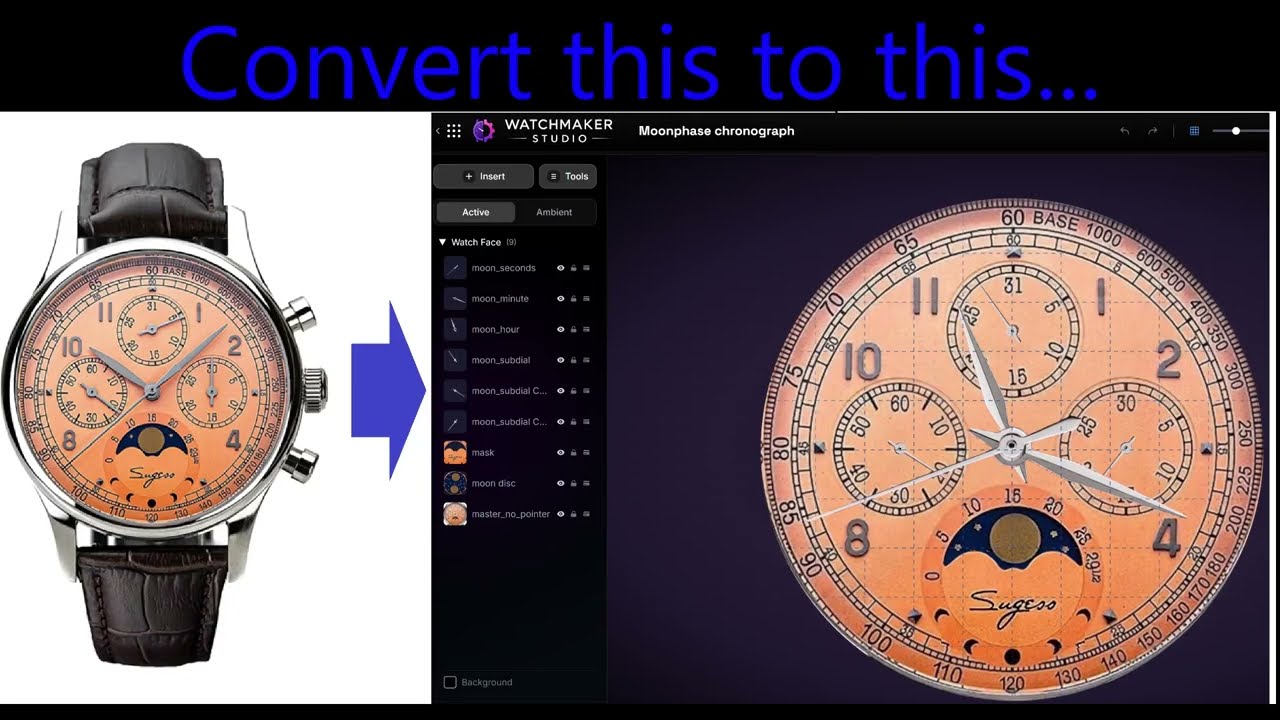
I just created a thread about using AI to assist in making watchmaker faces and a video I posted on YouTube.
The 30 minute video goes from finding a picture of a watch you like to seeing it on your smartwatch. It would have been a lot less than 30 minutes if the example didn’t also include a moonphase disc.
Video here…