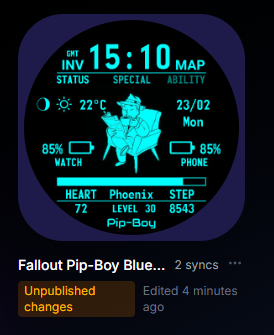
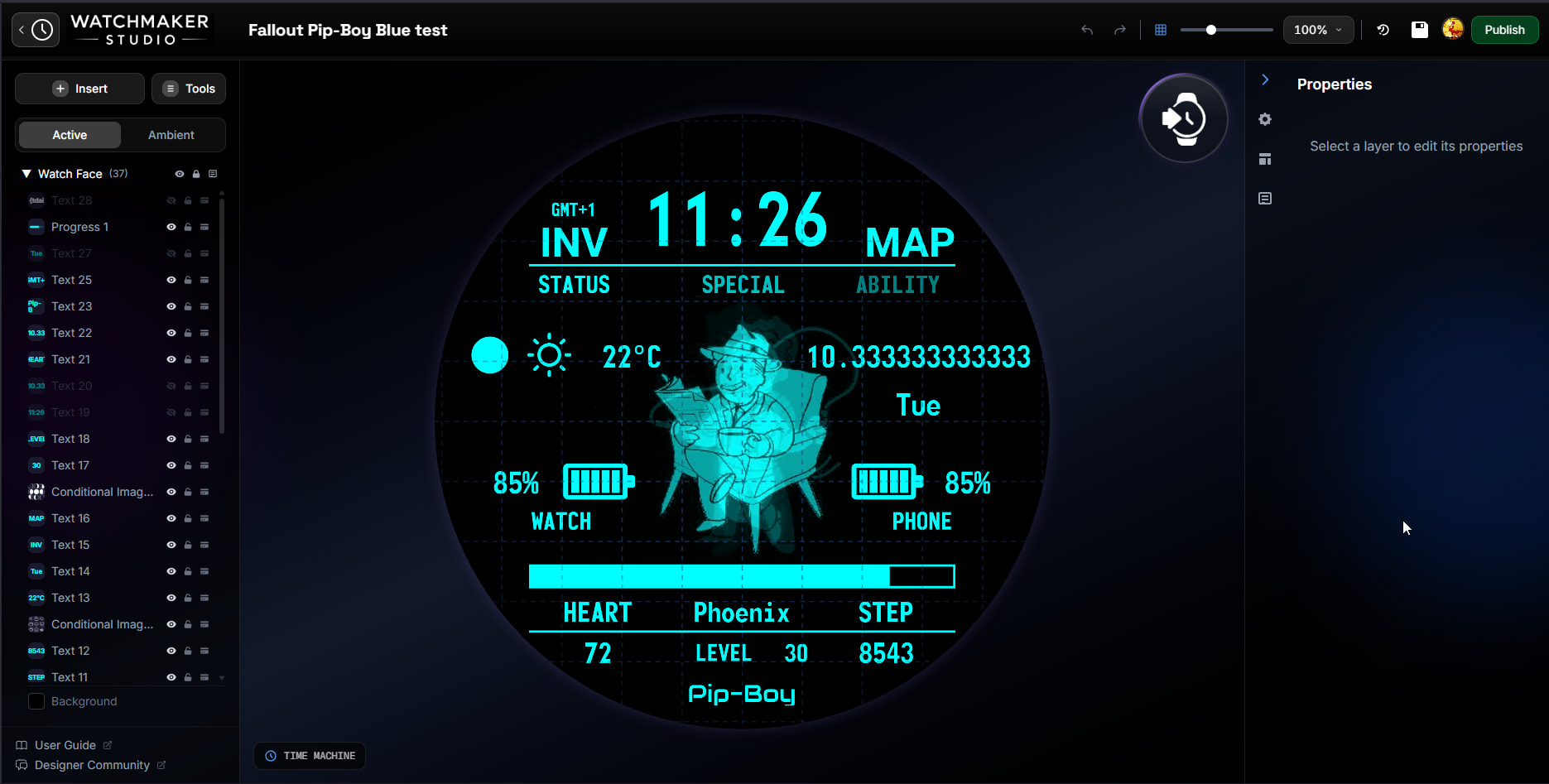
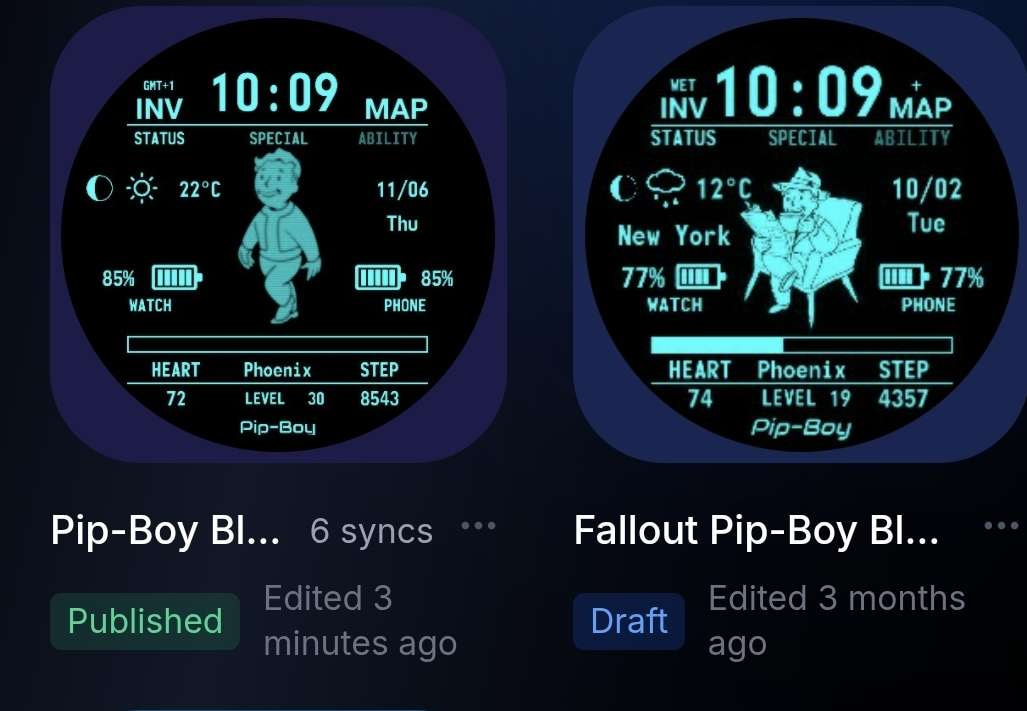
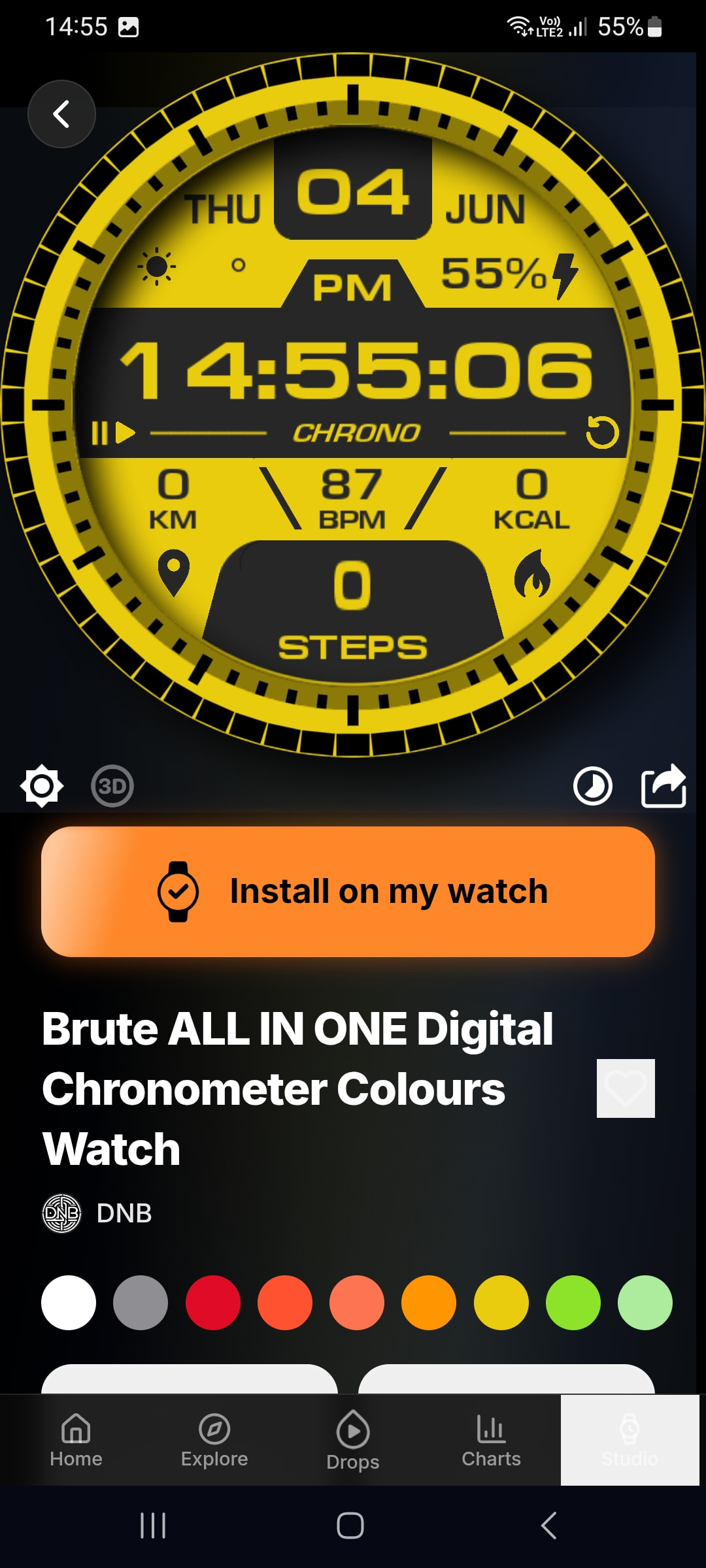
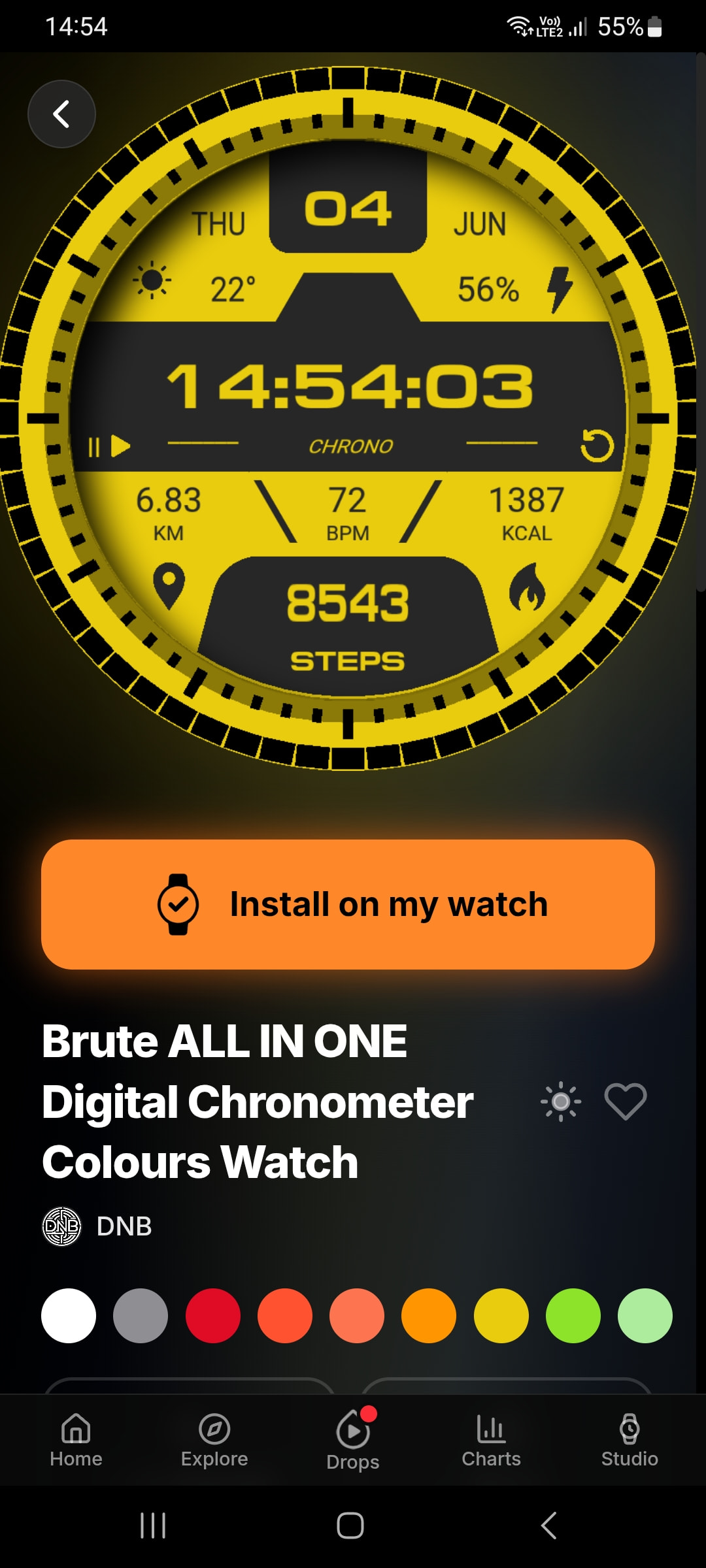
The zip format watch face I imported into Studio that was exported from the Android app on my phone shows up normally in the watch faces view in Studio but when opened the font sizes are completely wrong, being much smaller.
It wasn’t like this before so it has to be a bug because I did not modify the font size at all.
I should also add that using {ddz}/{dnn} to display the current date bugs out in the current version as it tries to divide the two values and just shows up empty on the watch.
I don’t know how to remove the formatting.
It could be but when syncing to the watch the font becomes much smaller as well, so it’s not just a display problem.
Thank you for investigating the division problem.
I tried to sync an older watch face today and this is still a problem.
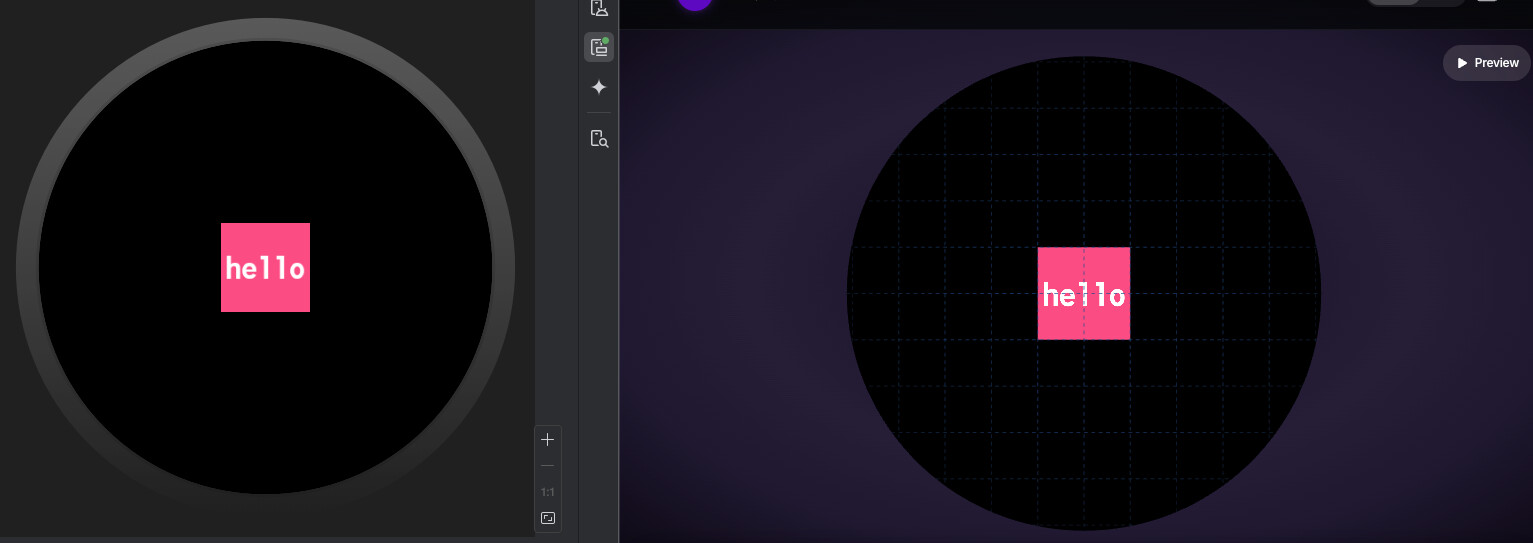
The text is much bigger in the preview than when I send it to the watch itself.
I did not change the font size of the most recent one but when I save it in Studio, it becomes much smaller than it was in the past.
The font is Monofonto and the time was supposed to be size 62.
It becomes smaller as soon as I open it in Studio.
Fonts are notoriously difficult to match perfectly because there are effectively three different text renderers involved:
The legacy WatchMaker editor
WatchMaker Studio
Google’s Watch Face Format renderer on the watch itself
We try to keep font sizing and positioning as close as possible across all three, but it’s very difficult to achieve a 100% perfect match because each renderer measures and draws fonts slightly differently.
One question: if you adjust the font size so it looks correct in Studio, does it then appear at the correct size on the watch itself after syncing? Or is it still noticeably smaller on the watch than it appears in Studio?
That will help us determine whether this is a Studio preview mismatch or an issue with the final watch rendering.
It still appears smaller on the watch.
The old preview looks right but it becomes smaller as soon as I save it in Studio and if I send it to the watch, it also looks far too small.
I’ve had to more than double my old font sizes to get it to look like it did before.
I think one solution could be Studio reading the old watch face font size and, when converting to the new format, automatically increasing the font size by a fixed percentage.
In the case you refer it would be a 32% increase, maybe this value works for all the faces