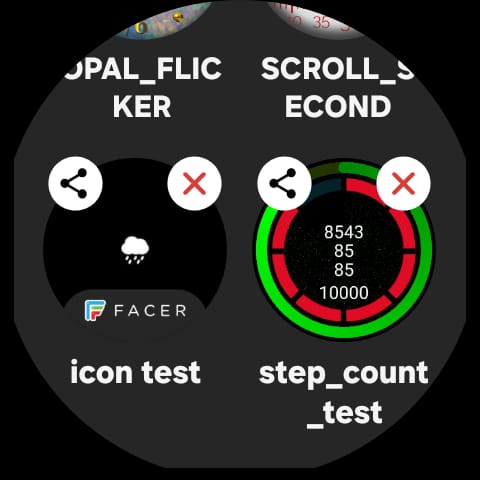
I have several faces on my watch many are WFS Faces that I have sent to my Watch to create the .aab . So when I try to send a WM face I have to switch to the curent WM face on my watch for a sucessful sync . Sorry to flag up the opposition but Facer have a Little Badge next to the only face sent from that platfom to the watch . Could we please have similar . Or some one recomend a simple way to find the wm face on my watch that does not involve Memory .
Sorry to sound patronizing, since you may already know this, but for other readers:
Due to Google’s restrictions, the actual watch and the WFF engine will be have just one active watch face. And if Watchmaker is not the active watch face on the watch, then that Watchmaker face will not show (the watch only shows the active one). Watchmaker does keep your other Watchmaker faces internally. You can see those faces by explictly running the Watchmaker app on the watch. The list of faces available will then show (in a horizontal line), with the latest on the left (the next to latest next to it, and so forth). If Watchmaker is the currently active watch face (through the watch settings), you can select any one of those faces and make it show.
I beleive that other product uses a different method for the watch faces, which is why Watchmaker is different.
Thank you @David . I did think someone might flag that as a solution . I will not close the topic and see if maybe Alex sees it . I dont want to invoke him . I ask him for too much already . Thanks again .