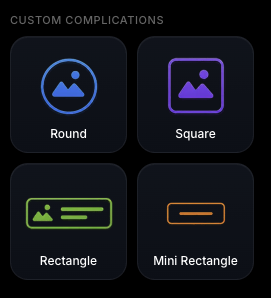
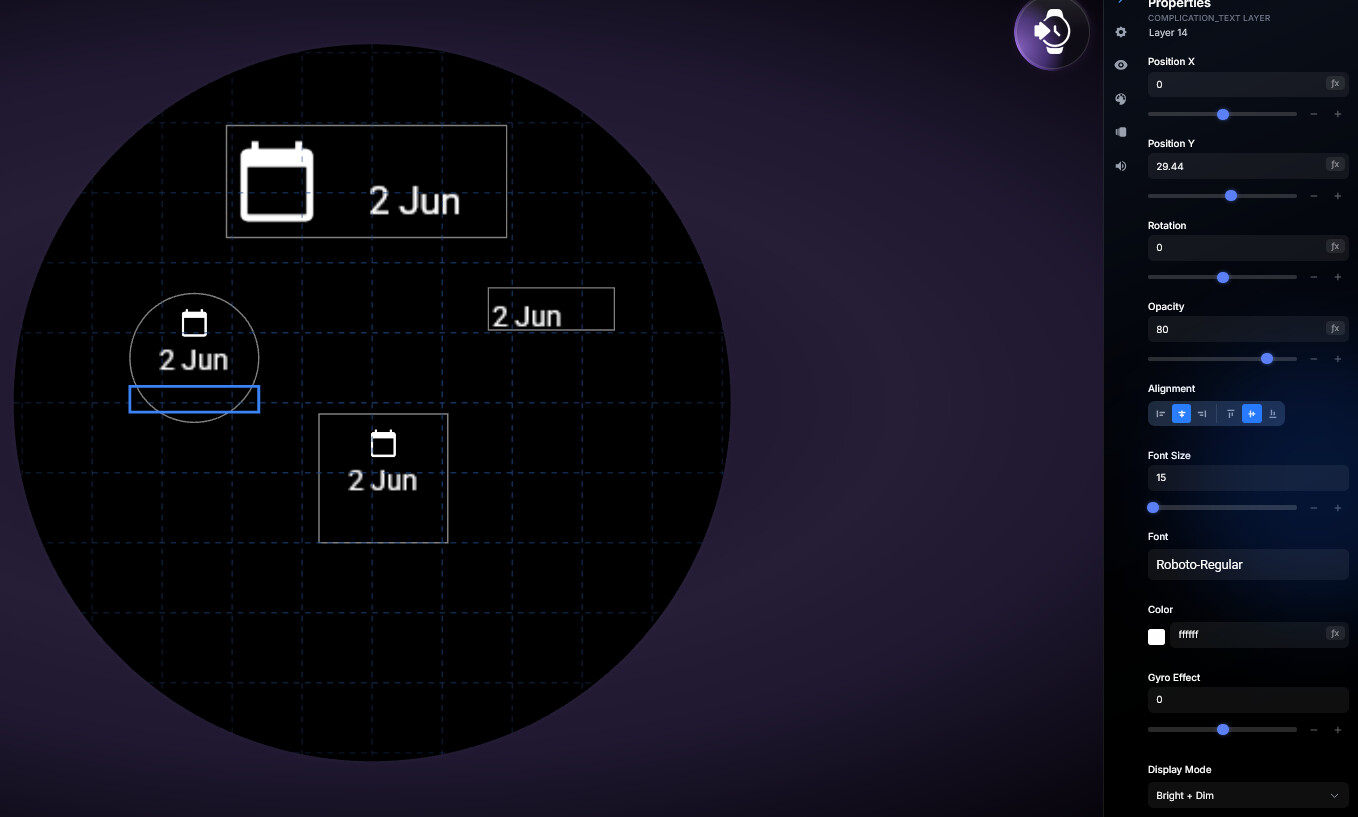
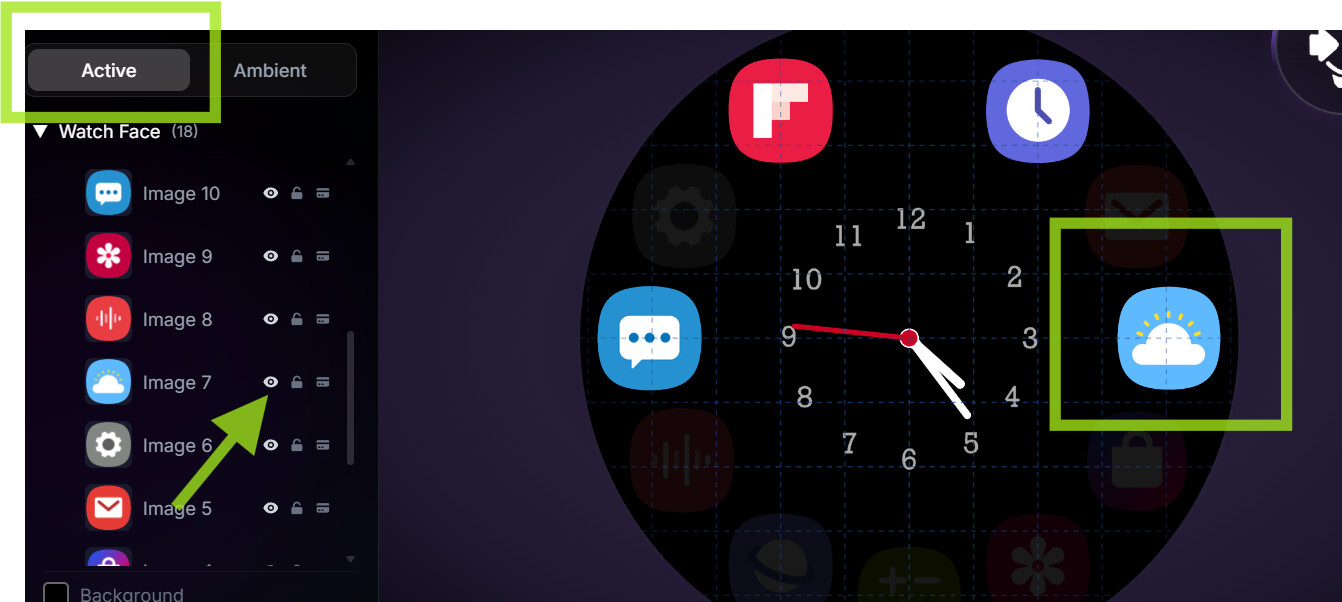
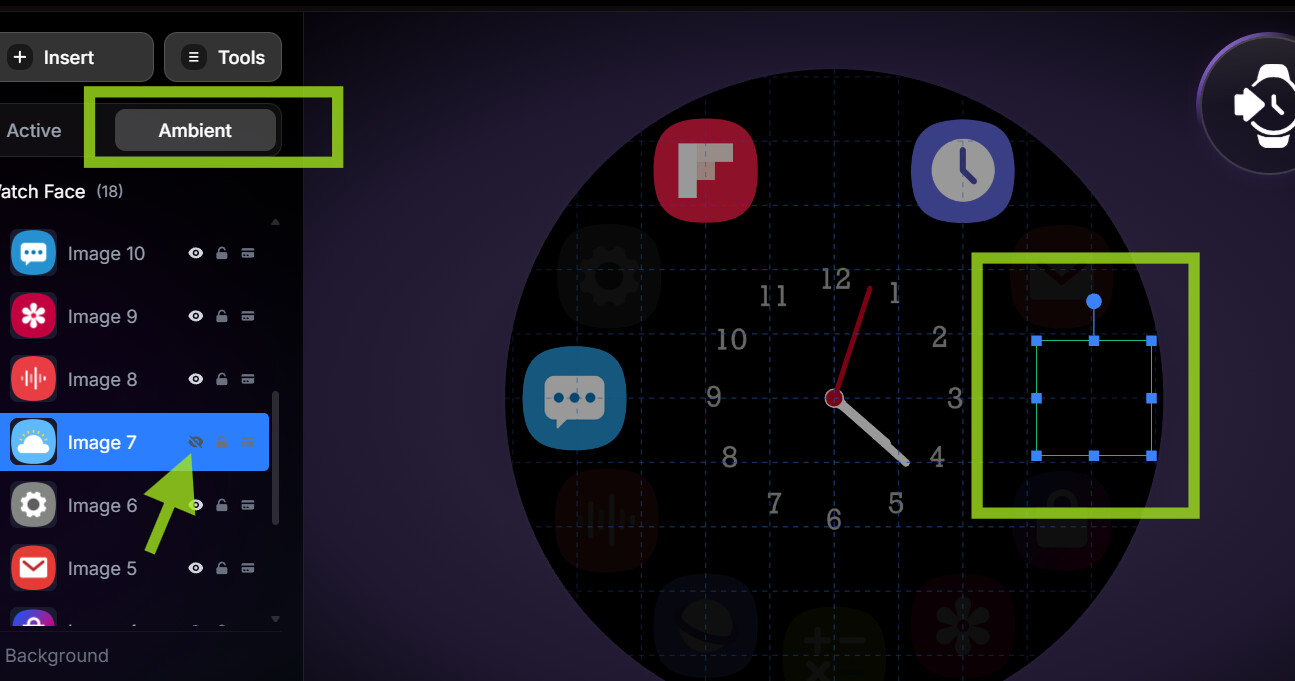
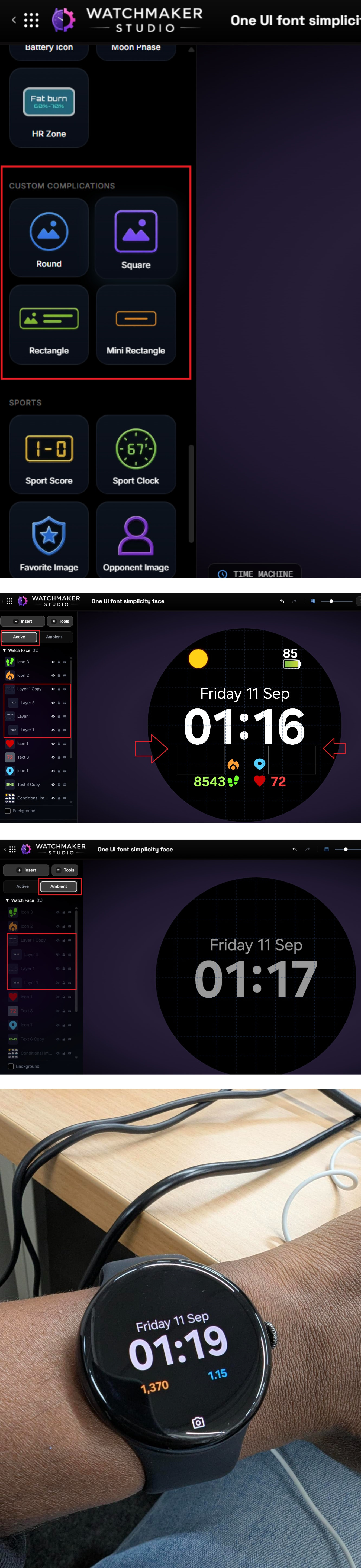
We’re excited to introduce Custom Complications for Wear OS watch faces. You can now add round, square, rectangular, and mini-rectangle complication slots directly in Studio, giving users the ability to customize the information shown on their watch face.
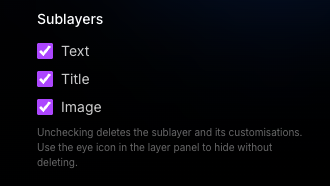
Each complication includes configurable text, title, and icon sublayers that can be styled just like any other layer in your design. Choose a default provider such as Steps, Date, Battery, Sunrise/Sunset, Next Event, or World Clock, then fine-tune fonts, colors, positioning, and sizing to match your watch face perfectly.
Once installed on a watch, users can long-press the complication and swap it to any compatible provider they prefer, including third-party apps. This brings native Wear OS personalization to WatchMaker Studio and opens up a huge range of possibilities for creating more flexible and interactive watch faces.
The title value is determined by the selected complication on the watch. For example, if you set the complication on your watch to Barometer, it may show the unit of measure e.g. Hpa. You can disable sublayer by selecting the top level (parent) element, and deselecting Title in the element properties if you don’t want to display this field.
You probably would need to select different types of complications to get an idea of which complications provide a Title value.
Would be good if we had a list of complications and example outputs in future as a reference.
Hi . It is a custom of mine on WFS to use my Custom Complications hidden . They can run any app on the watch including App shortcuts . Is there a plan to include these in the Customisable Complications . BTW I am using the Circle one with all the layers at Zero opacity .
I can still not attach an image . I was under the impression I had Earned that Badge . Thanking you in advance .
Sorry @NicholasapdK . You are right . I jumped in feet first . Yes they are images with the Taps switched on . Have you tried the Hide / Show selection . I rarly show Complication elements as they are a bit complicated for me .
.
I made a test and confirm what you are saying . @AlexCurran is always busy but I am sure will pick this up when he can .
Just out of intrest I wonder if we could hide them with a cover since you have a plain background . I know it is not the answer but just for the mean time .
Ha Ha . That does not work either . If we had a Tag that tested for Ambient Mode we could send stuff off screen .
@AlexCurran . I am trying to increase the Size of the font in the Custom Complications . That is working but there is no way to increase the size of the bounding box so any Text or numerals is being clipped top and bottom . Thanks .