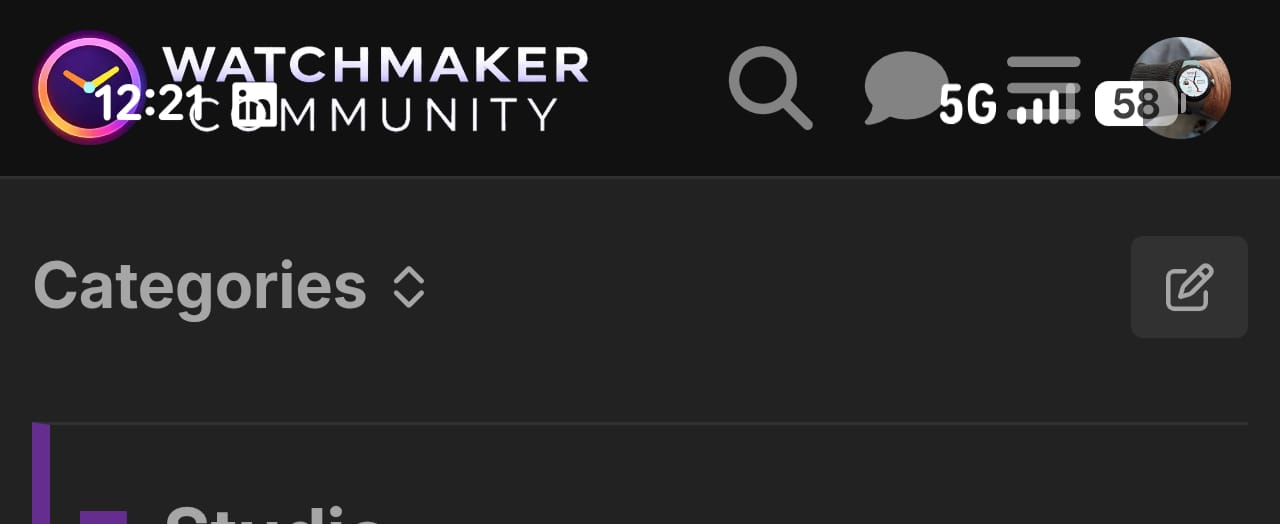
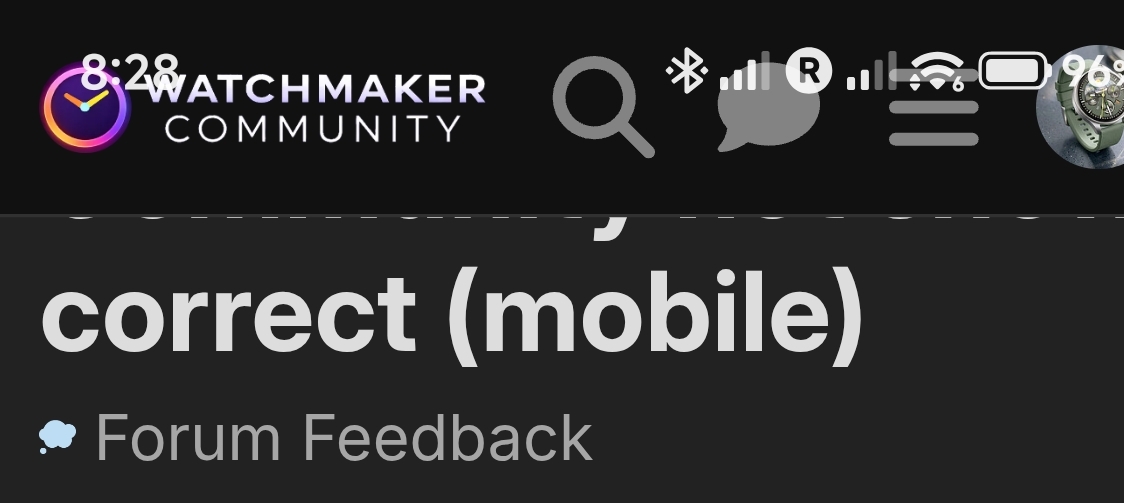
Hi, do a lot on mobile but on mobile the community, the app is to big 
the notifiaction bar is over the menu bar of the app.
Turn the Mobile to Landscape View . Switch on autorotate if you have not already .
Euh still not good in landscape mode.
Hmm don’t see also in de app, the insert picture or photo. But that’s another bug. Will make a new issue item
You might need to alter your Page Zoom a bit .
Hate autorotate. Keep my phone locked on portrait mode.
Last update or so to my Android phone I now can rotate the screen and it gives me an icon to click to trigger landscape view.
For now is the workaround to use the browser (not the app)
https://community.getwatchmaker.com/
Sometimes when try to login… It goes to the app.
Use then https://community.getwatchmaker.com/login
On my Tablet for the forum the Navigation Bar covers The Reply Button . On my Phone it is Fine . However the Notifications cover the top of the screen as others have shown . Also can not attach an image .
… and the arrow key keft for back to previous site terminates the community forum on smartphone.