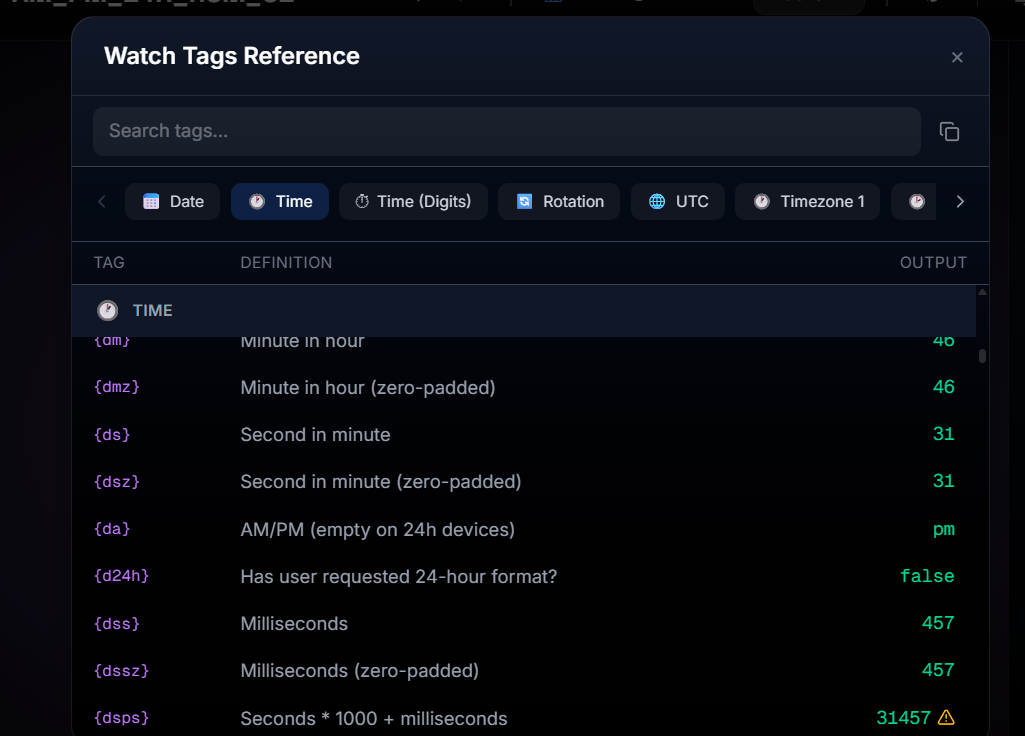
As I am new here and trying things, I was trying to find a tag that returns the system setting of the time format to either show or not show elements regarding the watch setting. I could not find anything but this explanation to {da} tag: “AM” / “PM” / blank in 24h locales
How do I put the blank option into a working expression, when the element containing {da} tag automatically does not display when 24h mode is set?
I think there was a typo. {d24h} should have been written as {dh24}. {dh24} returns a number 1-24, whereas {dh23} returns 0-23, which is probably what your really want.
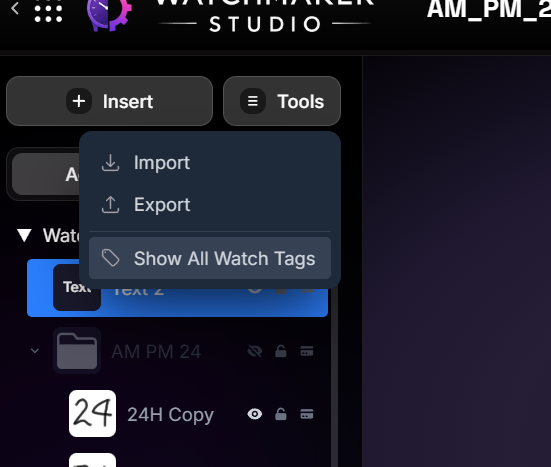
You can get a complete list of Watchmaker tags, plus their meanings and an example, when in the Studio by pressing “Tools” (upper left corner}, then “Show All Watch Tags”. You can also see that list in the layer properties window, by pressing on the small “Fx” on the right.